Oct 14, 2026Buying Guides
Commercial Digital Signage Procurement Guide: Matching Display Specifications to Business Needs
Commercial digital signage procurement guide: balance screen size, operating environment, CMS compatibility, and total cost of ownership for top ROI.
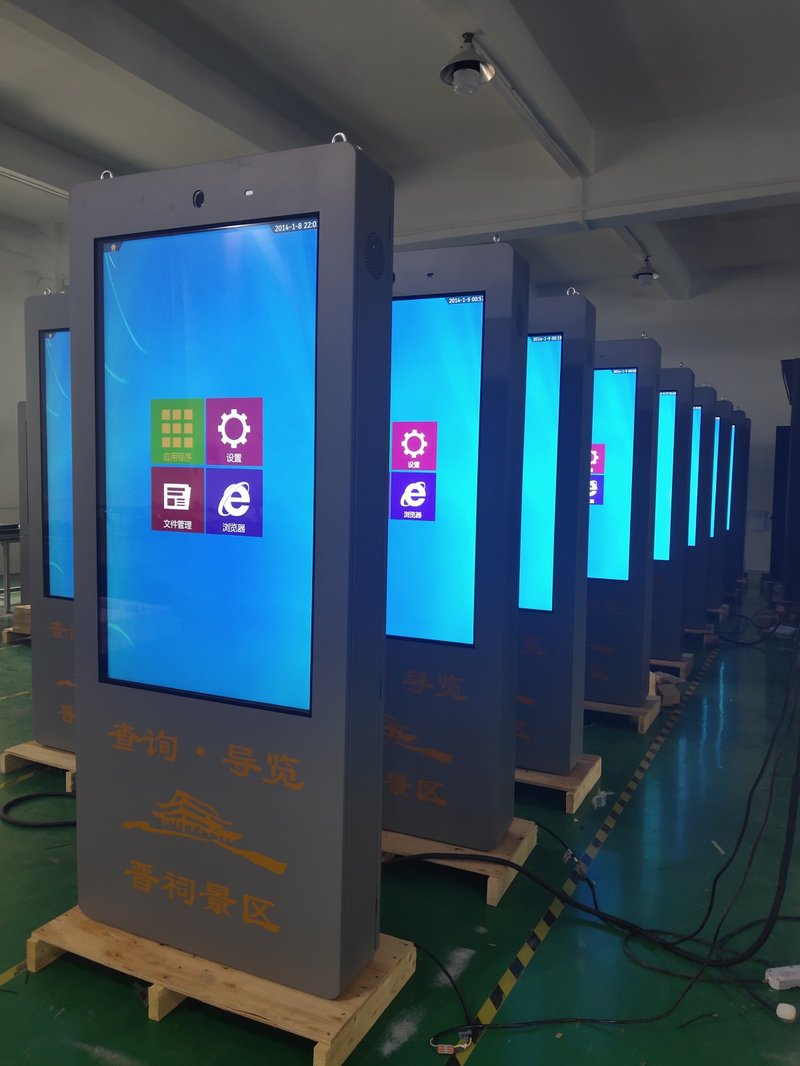
1. Identify the Application Scenario with a Commercial Digital Signage Procurement Guide
Deploying a high-performance Commercial Digital Signage Procurement Guide provides commercial spaces and public venues with an all-weather digital display solution. The first step is determining whether the display will be deployed indoors or outdoors.
Indoor environments—such as shopping malls, hotels, bank branches, brand retail flagships, elevator lobbies, and shopping centers—typically call for standard-brightness commercial displays (wall-mounted, ceiling-suspended, or freestanding floor kiosks).
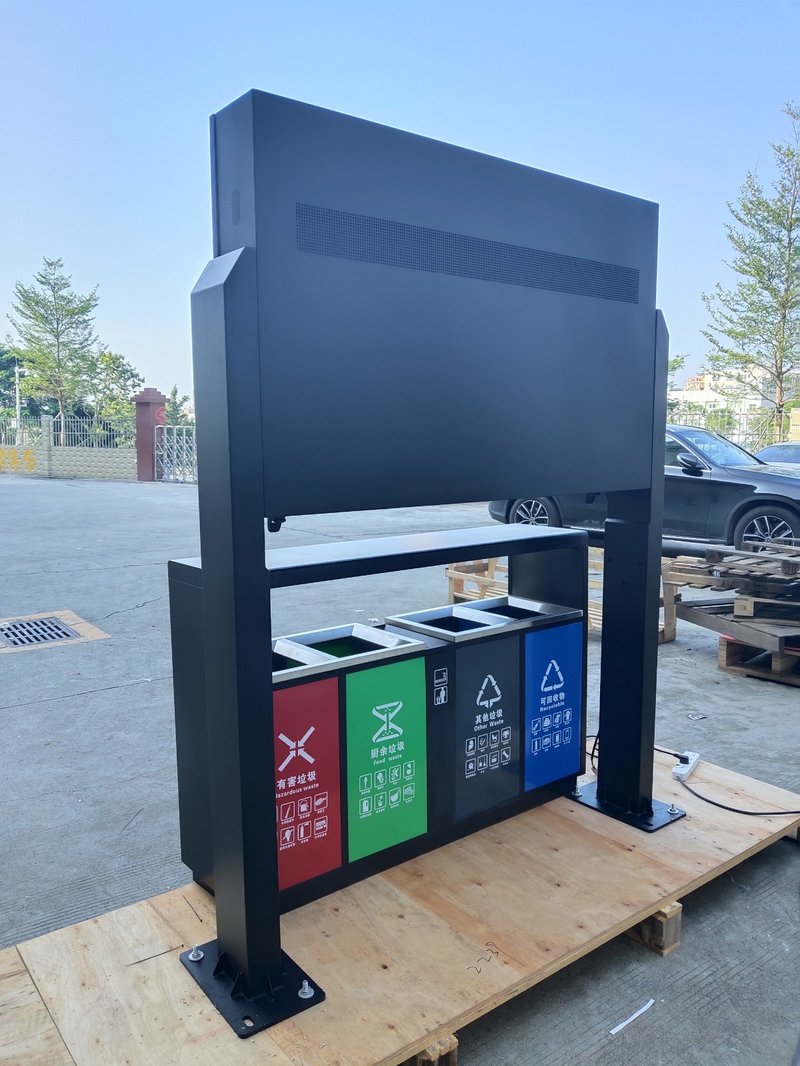
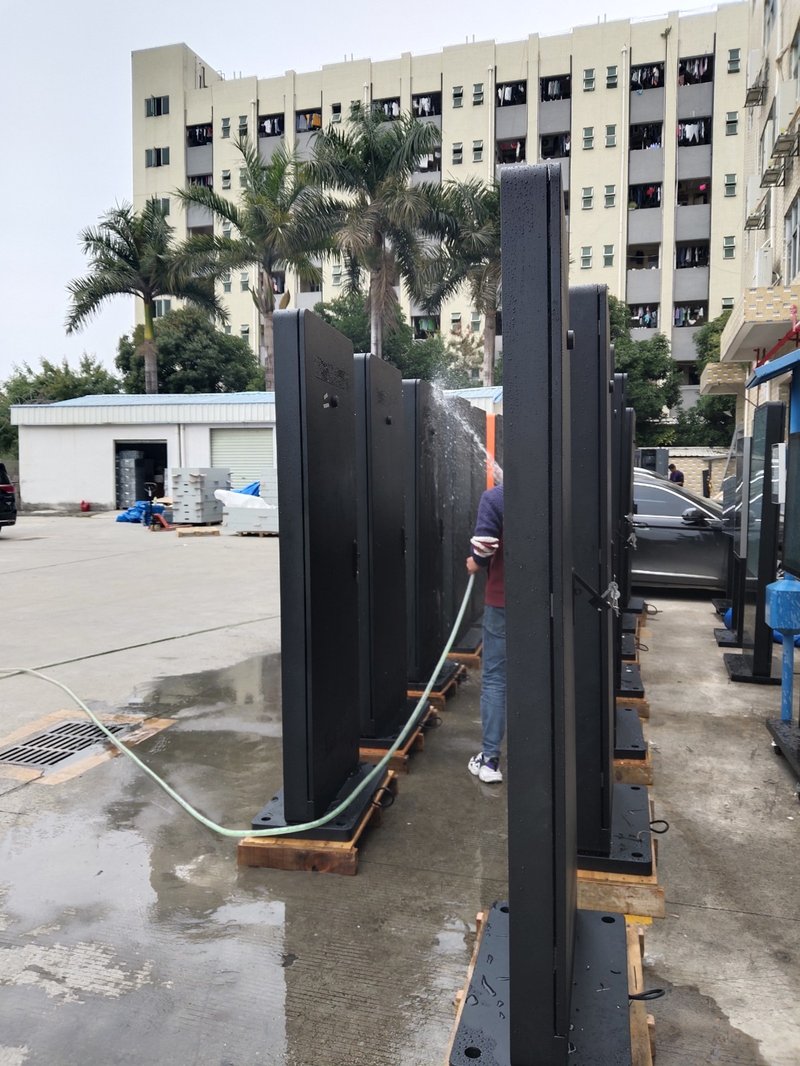
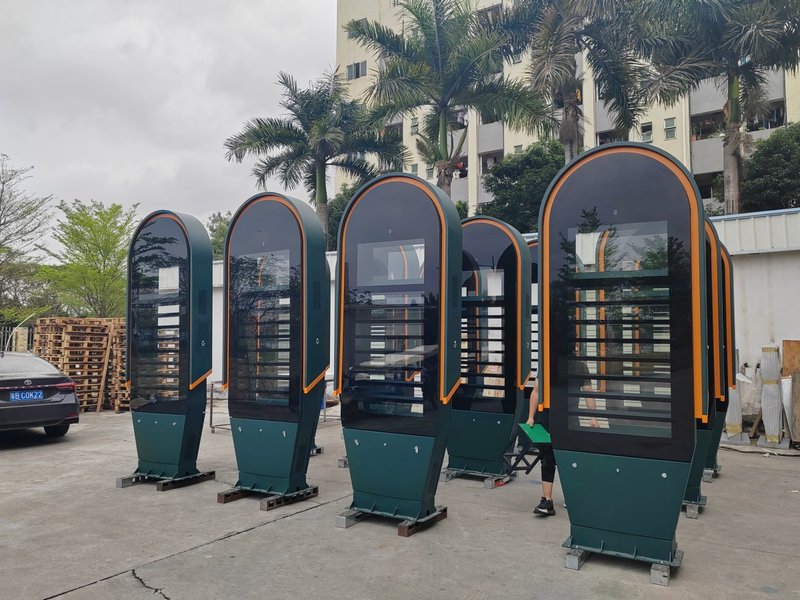
Outdoor environments—such as railway stations, airports, civic plazas, and open streets—require displays with ultra-high nit brightness, robust IP-rated waterproof sealing, dustproof protection, and wide-temperature humidity resilience.
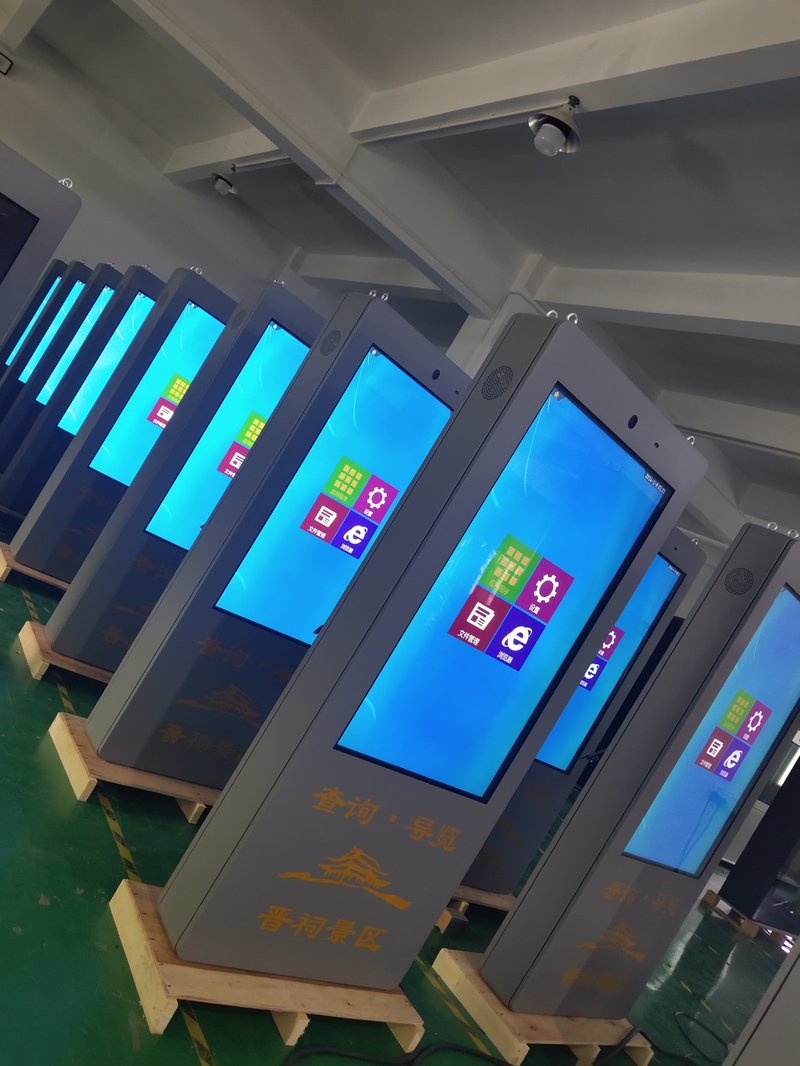
2. Determine the Mounting Configuration
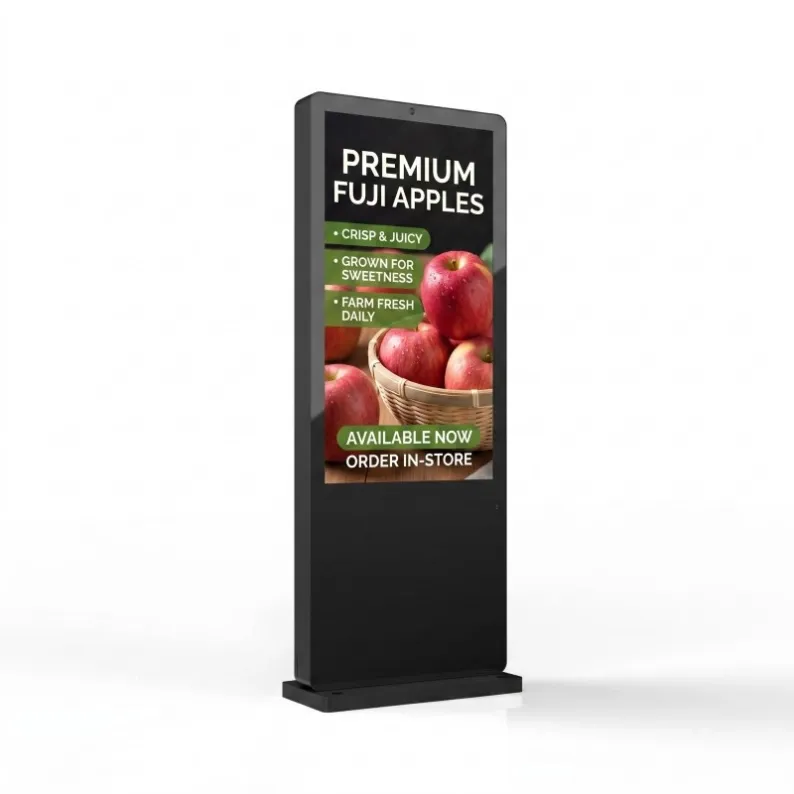
Select the mounting method that best matches your architectural space: wall-mounted, floor-standing (freestanding kiosk), or ceiling-suspended.
3. Define Display Screen Specifications
Choose the screen size based on available physical space and average viewer distance: compact screens (such as 21.5" to 32") suit constrained elevator cabs, whereas large-format displays (such as 55", 65", 75", 85", or 98") excel in spacious reception halls, central shopping atriums, and transport terminals.
Resolution should be at least Full HD 1080P (with 4K Ultra HD strongly recommended for larger screens). Luminance should range between 350 and 500 nits for indoor applications, and at least 1,500+ nits for direct outdoor sunlight readability.
4. Clarify Functional and Software Requirements
Commercial digital signage players are available in standalone (offline USB plug-and-play), Android, and Windows OS configurations.
For centralized remote content updates and multi-location scheduling, select a networked cloud-managed model.
If audience engagement is needed, choose interactive models equipped with multi-touch screens (PCAP or IR touch) or voice control.
For synchronized video wall presentations or multi-display clustering, select players that support multi-screen linkage and matrix synchronization.
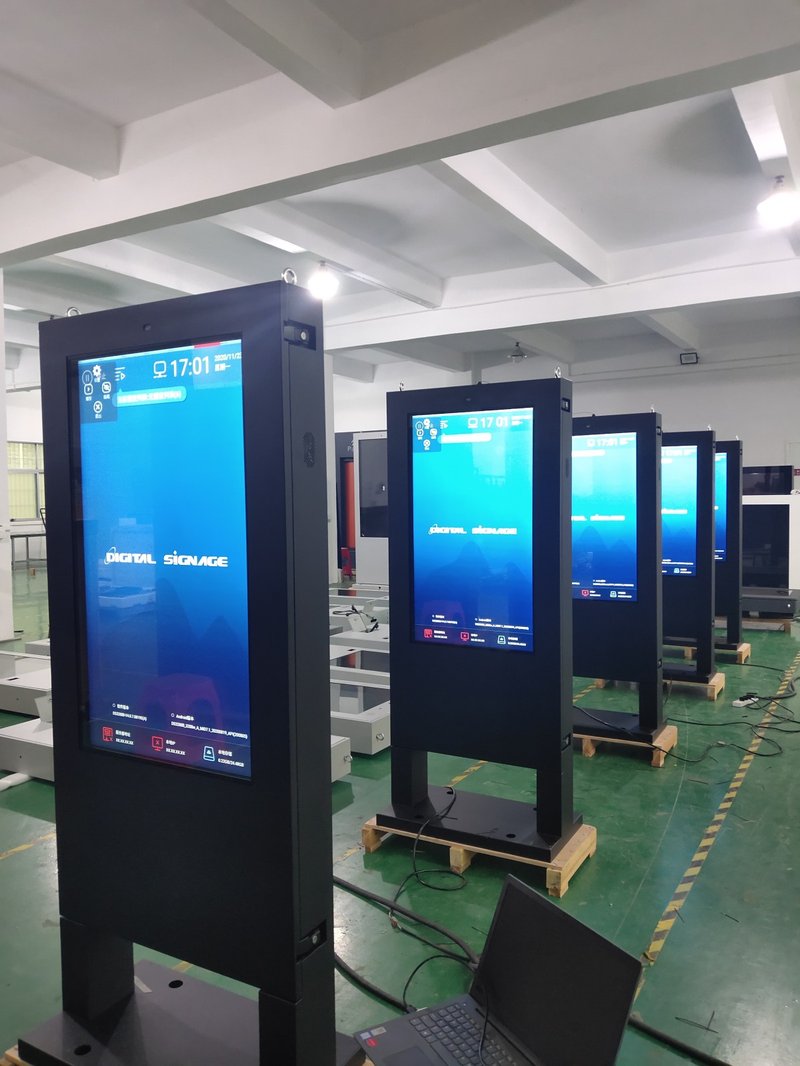
5. Evaluate Hardware Configuration and Performance
Ensure the onboard processor (CPU/GPU) and system RAM are sufficiently robust to decode high-bitrate 4K video streams without lag or frame drops. Select internal storage capacity (ROM/SSD) based on your media library volume to prevent storage shortages from interrupting scheduled broadcasting.
6. Select a Trusted Brand and Comprehensive After-Sales Support
Partner with a reputable commercial display manufacturer that offers proven engineering quality, competitive cost-to-performance value, and comprehensive warranty and technical after-sales support. In conclusion, selecting a professional Commercial Digital Signage Procurement Guide guarantees long-term operational stability, superior sunlight readability, and maximum commercial impact.
Looking for customized Commercial Digital Signage Procurement Guide solutions, high-brightness outdoor digital signage kiosks, or weatherproof commercial displays? Feel free to contact the ZXTLCD engineering team for detailed technical specifications, mounting drawings, and volume pricing.