Buying Guides
Digital Signage Maintenance Plan: From Routine Inspection to Fault Prevention
Build a digital signage maintenance plan with inspection intervals, condition records, software checks and clear escalation rules.
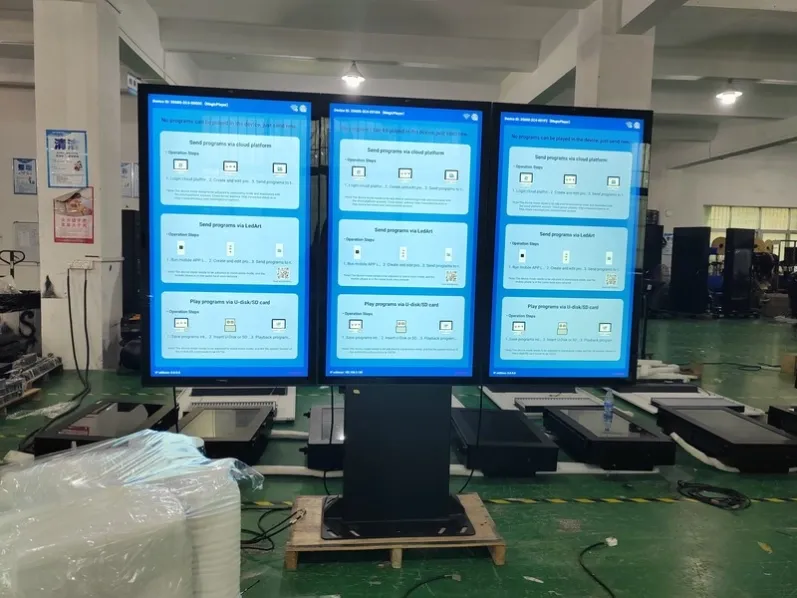
Maintenance creates the most value when it prevents interruption rather than merely restoring failed equipment. For an outdoor display project, cleaning, hardware inspection, software review, environmental checks and physical security should form one executable digital signage maintenance plan. Each task needs an owner, interval, recorded result and clear escalation rule.
Build an Equipment Baseline Before Setting Dates
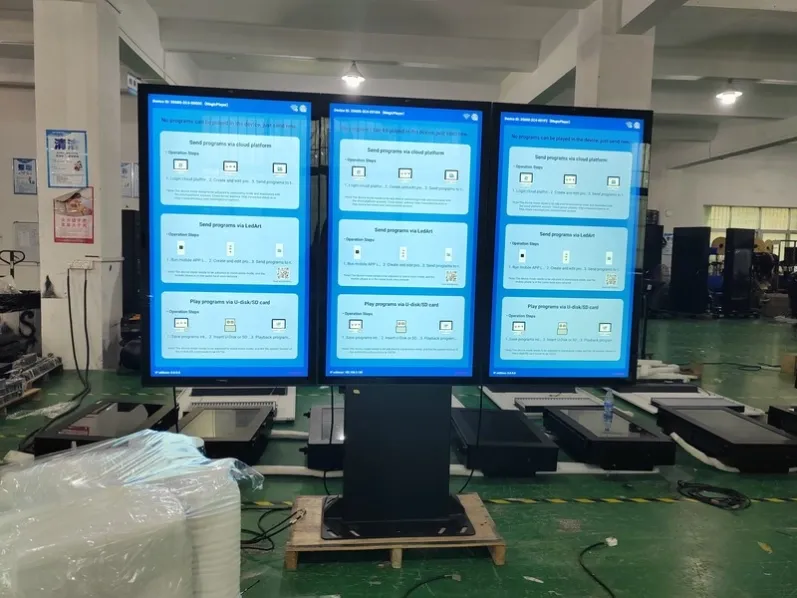
A roadside, coastal, construction-zone or high-traffic installation faces different contamination, corrosion and contact risks. Start with the equipment guidance, then adjust intervals using filter condition, temperature records and fault trends. A useful digital signage maintenance schedule responds to evidence rather than applying one calendar to every site.
Use comparable readings and defined conditions rather than vague notes such as normal or handled. After the work described here, verify image, enclosure and related functions under normal conditions and leave a useful result for the next visit.
Record Data That Can Be Compared
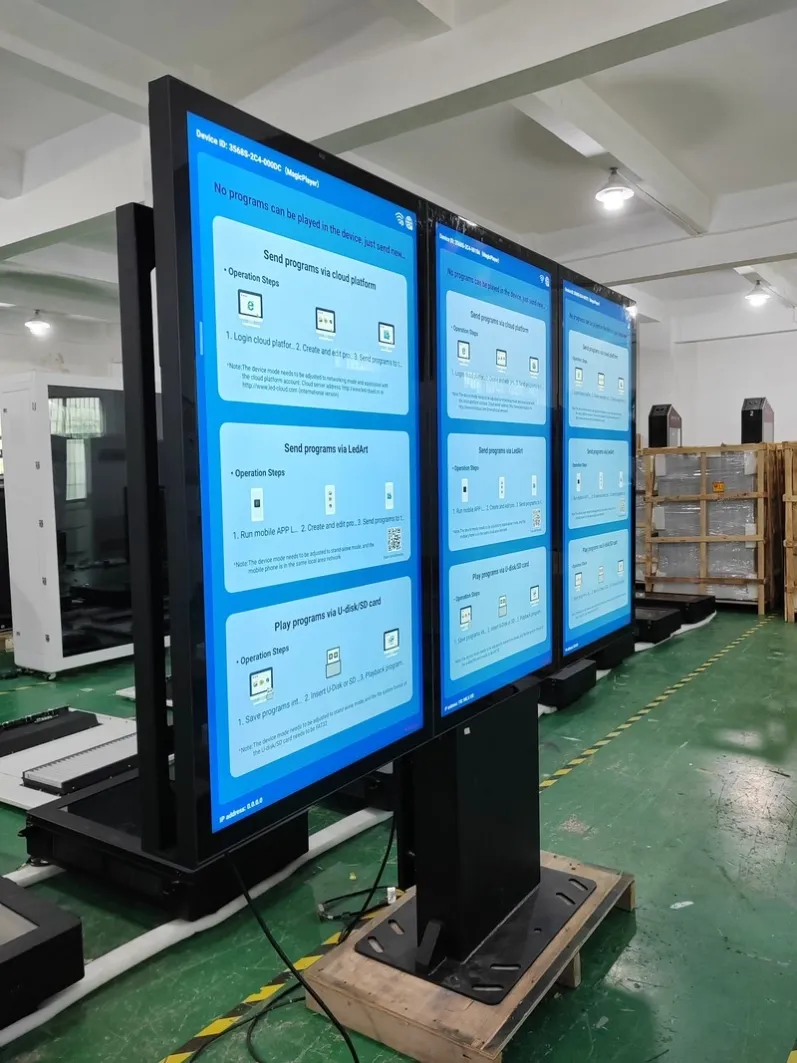
Cover glass, cabinet panels, locks, seals, fans, filters, cables, connectors, base and fasteners. Diagnose an image problem together with power, signal and controller status rather than assuming that a dark screen means panel failure. System-level inspection reduces unnecessary replacement and helps identify the true cause.
Use comparable readings and defined conditions rather than vague notes such as normal or handled. After the work described here, verify image, enclosure and related functions under normal conditions and leave a useful result for the next visit.
Extract Trend Signals from Individual Faults
Before operating-system, player or security updates, confirm compatibility, back up configuration and prepare a rollback route. Afterward, test automatic startup, playlists, network, system time and remote management. Do not apply unverified changes to a critical unattended display simply because a new version is available.
Use comparable readings and defined conditions rather than vague notes such as normal or handled. After the work described here, verify image, enclosure and related functions under normal conditions and leave a useful result for the next visit.
Let Repeated Problems Drive Site or Design Changes
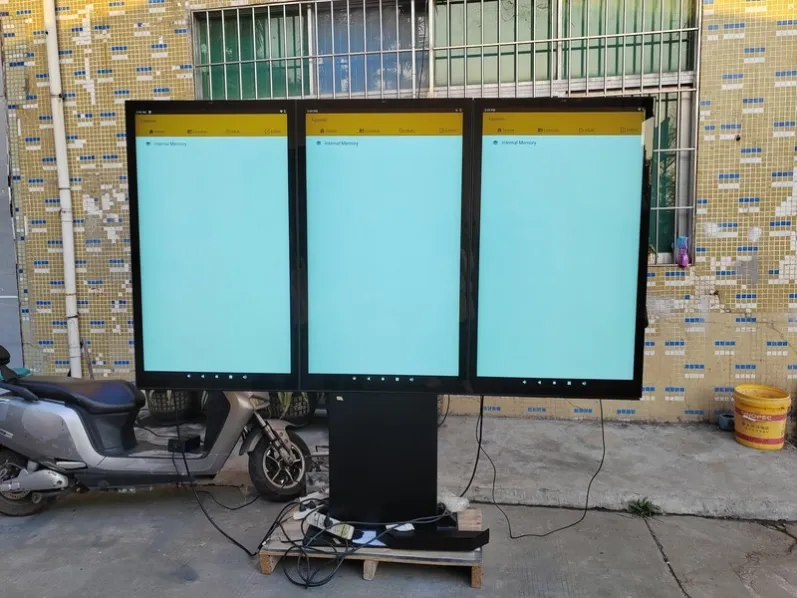
Record the fault time, environment, alarms, action taken and parts replaced, then review repeated events. If one location repeatedly overheats, experiences moisture or loses connection, improve the site or system design instead of repeating the same repair. A mature digital signage maintenance process turns service history into better operating decisions.
Use comparable readings and defined conditions rather than vague notes such as normal or handled. After the work described here, verify image, enclosure and related functions under normal conditions and leave a useful result for the next visit.
Adjust the Next Cycle Using Verified Results
Record the fault time, environment, alarms, action taken and parts replaced, then review repeated events. If one location repeatedly overheats, experiences moisture or loses connection, improve the site or system design instead of repeating the same repair. A mature digital signage maintenance process turns service history into better operating decisions.
Use comparable readings and defined conditions rather than vague notes such as normal or handled. After the work described here, verify image, enclosure and related functions under normal conditions and leave a useful result for the next visit.
Closing the Maintenance Loop
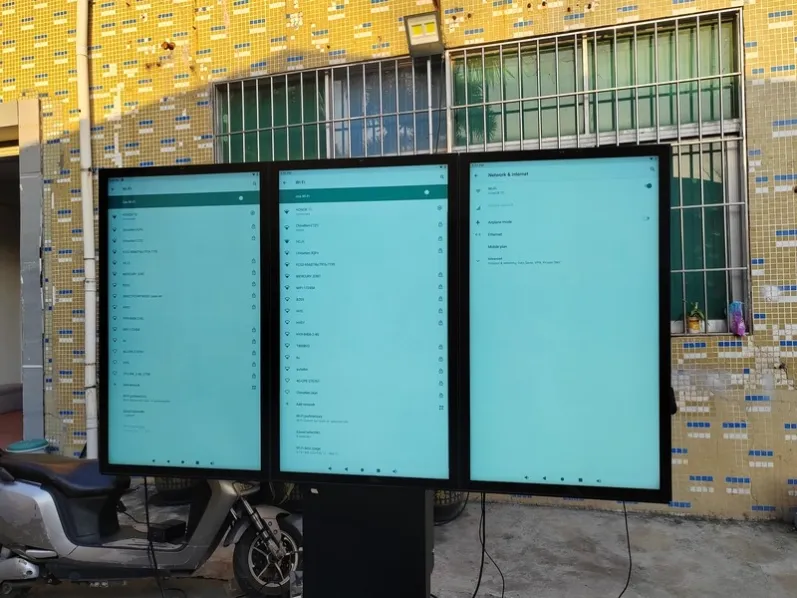
Preventive work is not about producing more forms. Records must support decisions. When temperature, contamination, restarts, connection loss and seal condition are compared over time, digital signage maintenance changes from habit into evidence-based management.
A baseline should capture normal start-up time, image condition, temperature range, fan sound, network status and exterior photographs. Reusing the same fields makes later records comparable. One hot reading may reflect unusual weather; a rising pattern can point to filter blockage, fan decline or changed airflow. One network loss may be random, while repeated loss at the same time suggests a policy or infrastructure issue. Trend review should consider frequency, duration, weather and recent changes, then alter the next cycle. Shorten cleaning where contamination rises, review access where seals repeatedly fail, and reconsider design where the same component fails. Evidence—not a copied annual calendar—should update the plan.
A trend report only needs to answer three questions: what is deteriorating, what is repeating, and what will change next cycle. A monthly summary can compare temperature, restart count, connection loss and service findings, while engineering issues are listed separately. Records that prove activity but change no decision provide little preventive value.
Before confirming a project, share installation photographs, orientation, operating hours, local power information, viewing distance and maintenance-access requirements. These details help coordinate construction, thermal management, mounting and control for the intended digital signage maintenance application.
Featured Commercial Hardware: Discover our flagship 55" IP65 Outdoor Advertising Kiosk, 65" Direct Sunlight High-Brightness Display, and 75" 2500 Nits Waterproof Outdoor Totem with factory-direct OEM/ODM customization.