Buying Guides
What an IP Rated Digital Signage Specification Does and Does Not Guarantee
Understand ingress ratings, installation boundaries and maintenance responsibilities before specifying IP rated digital signage.
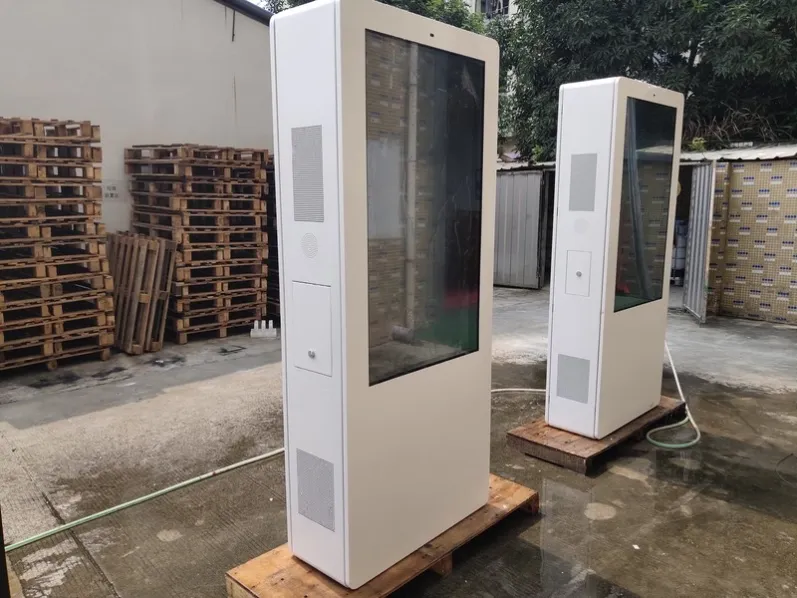
Many outdoor projects treat an ingress rating as a promise that water can never enter. In reality, the rating describes protection against solids and water under defined test conditions. It does not automatically cover high-pressure washing, prolonged immersion, salt corrosion, condensation, site-made openings or seals left incorrectly after service. Understanding the boundary connects specification, installation and maintenance. The IP rated digital signage plan should define a measurable starting condition.
Understand What the Two Digits Represent
The two digits refer to protection against solid objects and water. Higher numbers generally indicate more demanding conditions, but tests are not a simple linear scale. Review the applicable standard, complete rating and declared product scope instead of assuming that every cabinet, connector and accessory has identical protection because the product is described as outdoor.
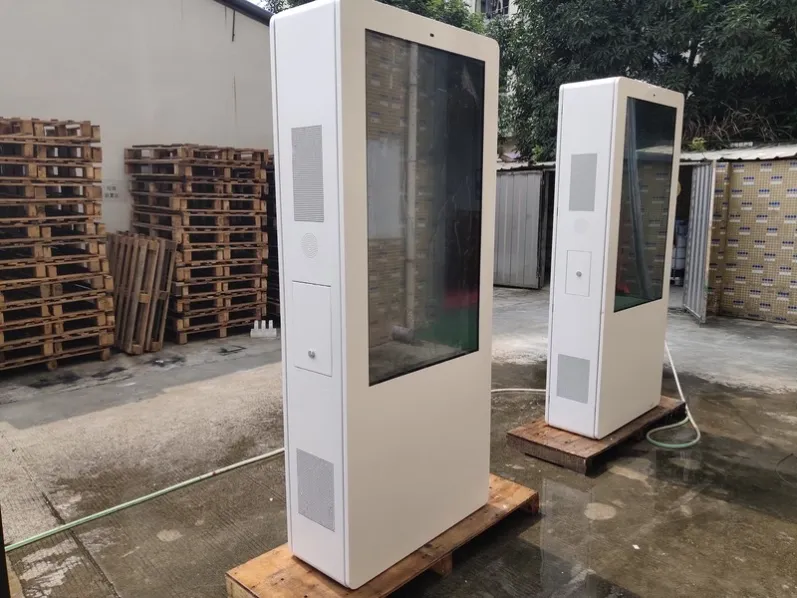
Connect the check to the declared product scope, installation drawing and service history rather than treating a rating as a condition-free promise. Complete an actionable result for understand what the two digits represent before changing several other conditions at once.
Test Conditions Are Not the Same as Every Site
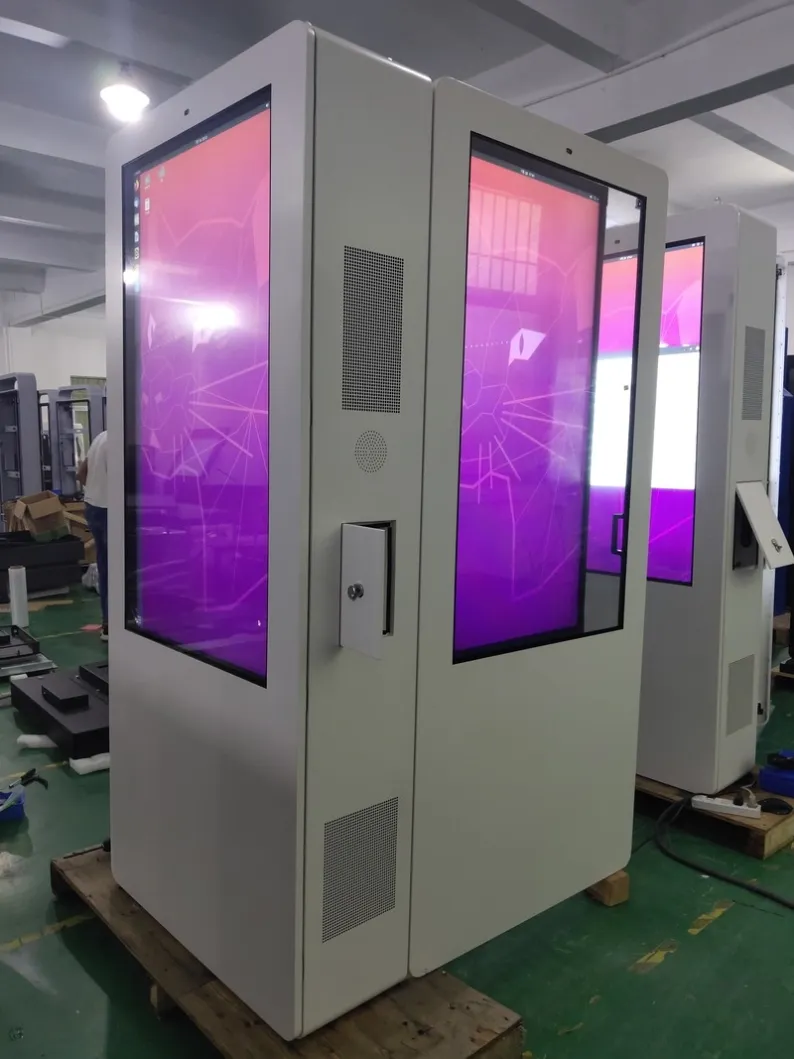
Laboratory tests use defined water volume, angle, distance and duration. A site may add wind-driven rain, concentrated roof runoff, standing water, snowmelt or cleaning jets. Changed orientation, cabinet tilt or building drainage can also produce exposure outside the test arrangement. Use the rating as a selection baseline and add site-specific structural measures.
Connect the check to the declared product scope, installation drawing and service history rather than treating a rating as a condition-free promise. Complete an actionable result for test conditions are not the same as every site before changing several other conditions at once.
Why Internal Moisture Can Still Appear
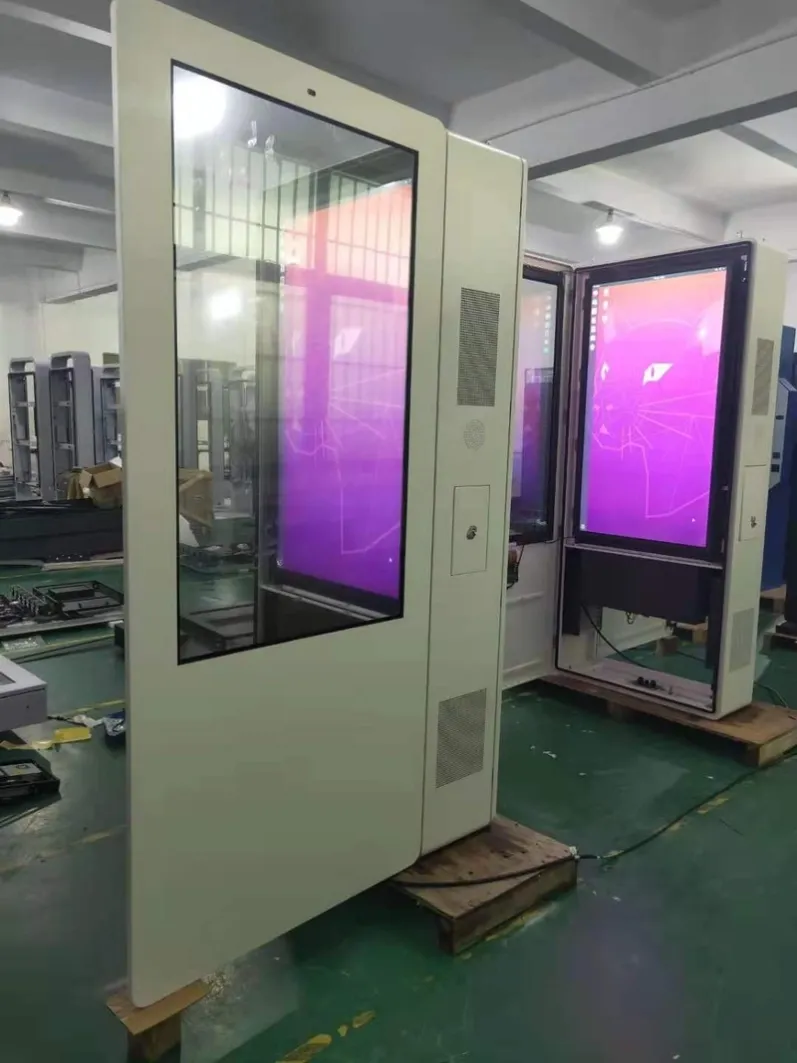
Humid air may enter during service and condense after the cabinet closes. Water can also track along a cable, bypass a gasket obstructed by debris or remain because drainage is blocked. Such a problem can indicate a changed installation or maintenance boundary rather than a false original rating. Record weather, temperature, door history and moisture location.
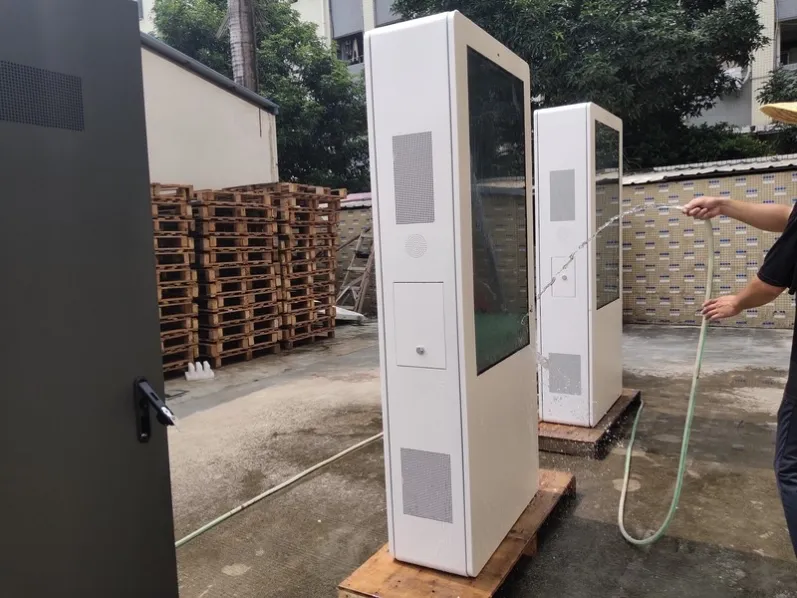
Connect the check to the declared product scope, installation drawing and service history rather than treating a rating as a condition-free promise. Complete an actionable result for why internal moisture can still appear before changing several other conditions at once.
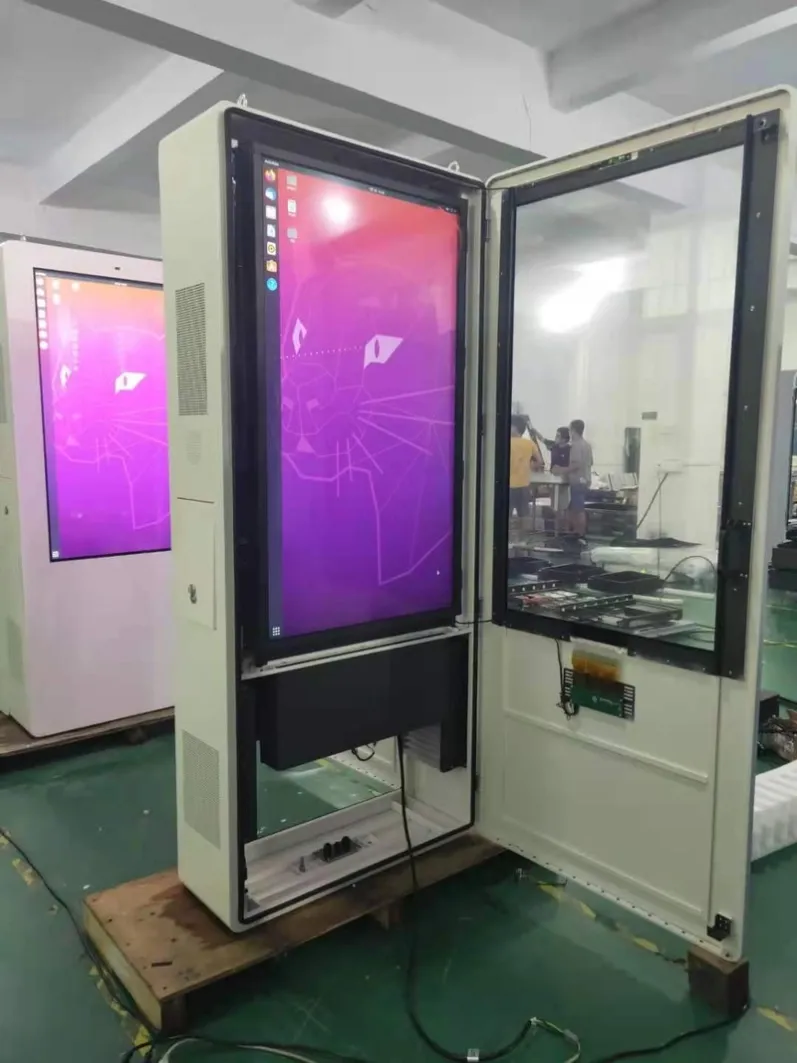
Site Openings and Accessories Change the Boundary
Power, network, antennas, cameras or sensors may pass through the enclosure. Every added opening needs suitable glands, fastening and sealing, with cable routing that does not guide water inward. Unsealed spare holes, loose fittings and unsuitable accessories make the complete system only as strong as its weakest point.
Connect the check to the declared product scope, installation drawing and service history rather than treating a rating as a condition-free promise. Complete an actionable result for site openings and accessories change the boundary before changing several other conditions at once. The IP rated digital signage review should retain evidence for later comparison.
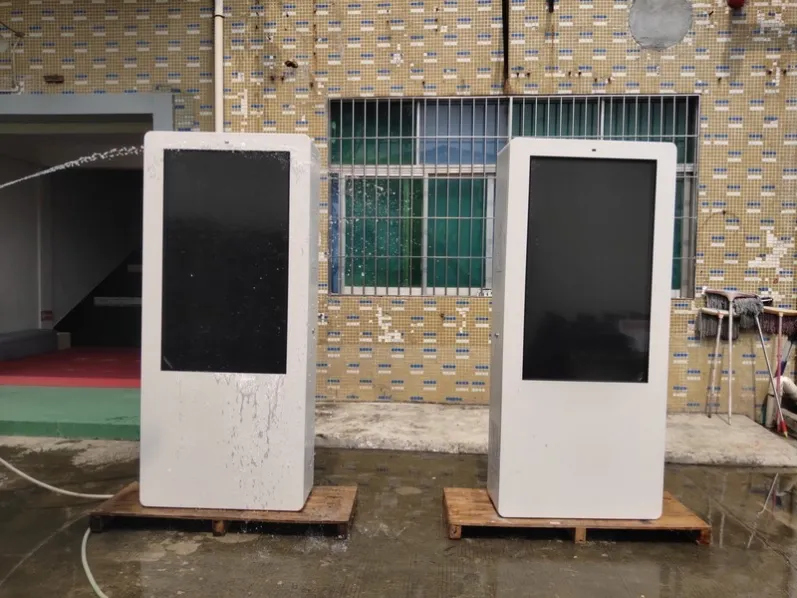
Restore the Designed Condition After Service
After opening a door, removing a filter or replacing parts, verify gaskets, pressure strips, fasteners and locks. Temporary tape is not a permanent seal, and debris, fibers or tools must not remain on sealing surfaces. Review appearance, lock pressure, cable entries and drainage direction before the unit returns to operation.
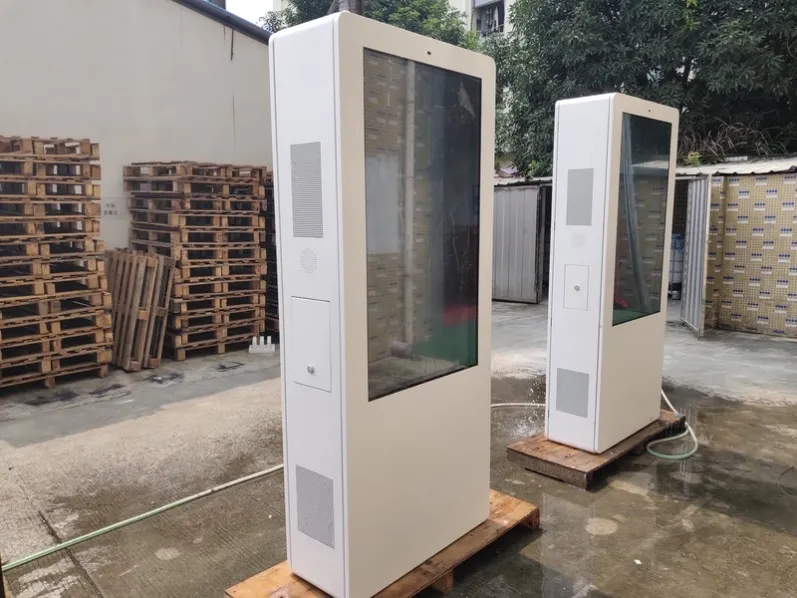
Connect the check to the declared product scope, installation drawing and service history rather than treating a rating as a condition-free promise. Complete an actionable result for restore the designed condition after service before changing several other conditions at once.
Turn the Review into an Operating Plan
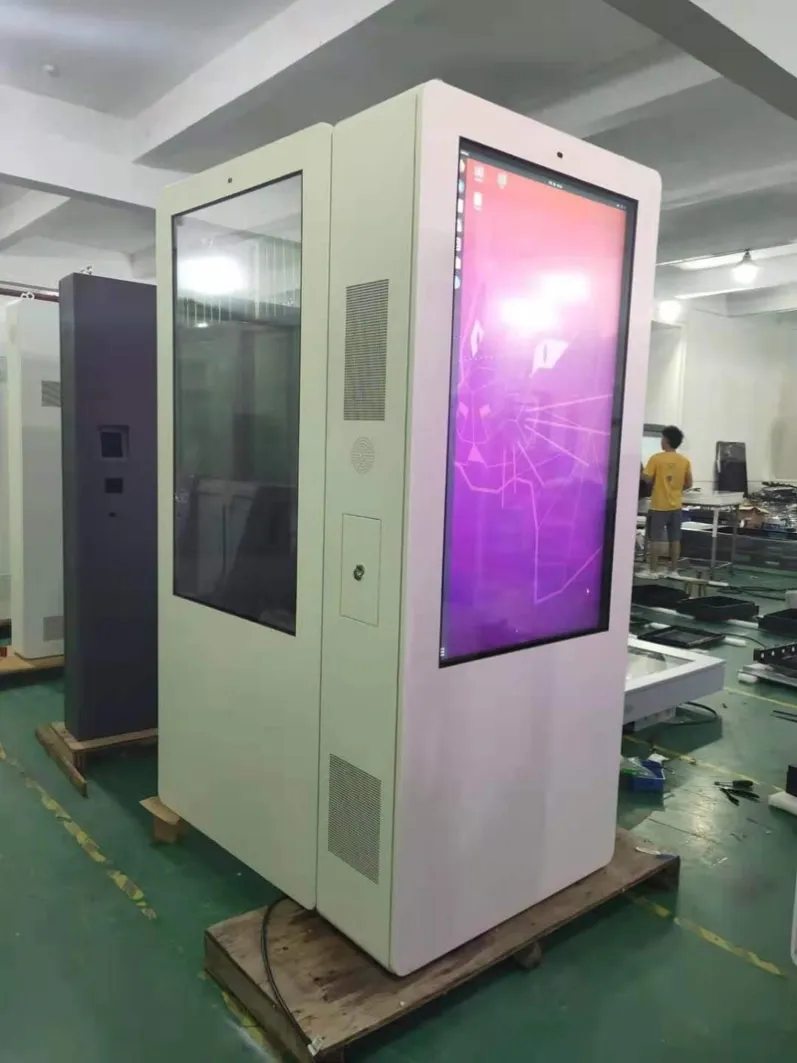
When selecting IP rated digital signage, confirm the rated scope, test basis, installation orientation and connector treatment, then document site water sources, dust, temperature change and service method. A rating does not replace correct installation or later inspection. Reliable protection depends on continuing alignment between product design, site work and maintenance restoration.
Keep the complete rating, test edition, rated enclosure scope and permitted orientation in project records. If front and rear doors, lower connections or external accessories differ, identify those boundaries. Transport impact, site cutting and ultraviolet aging can change protection, so photograph seals and interfaces at delivery, installation and scheduled service. These records help distinguish a product issue from an installation or maintenance issue when a problem is investigated.
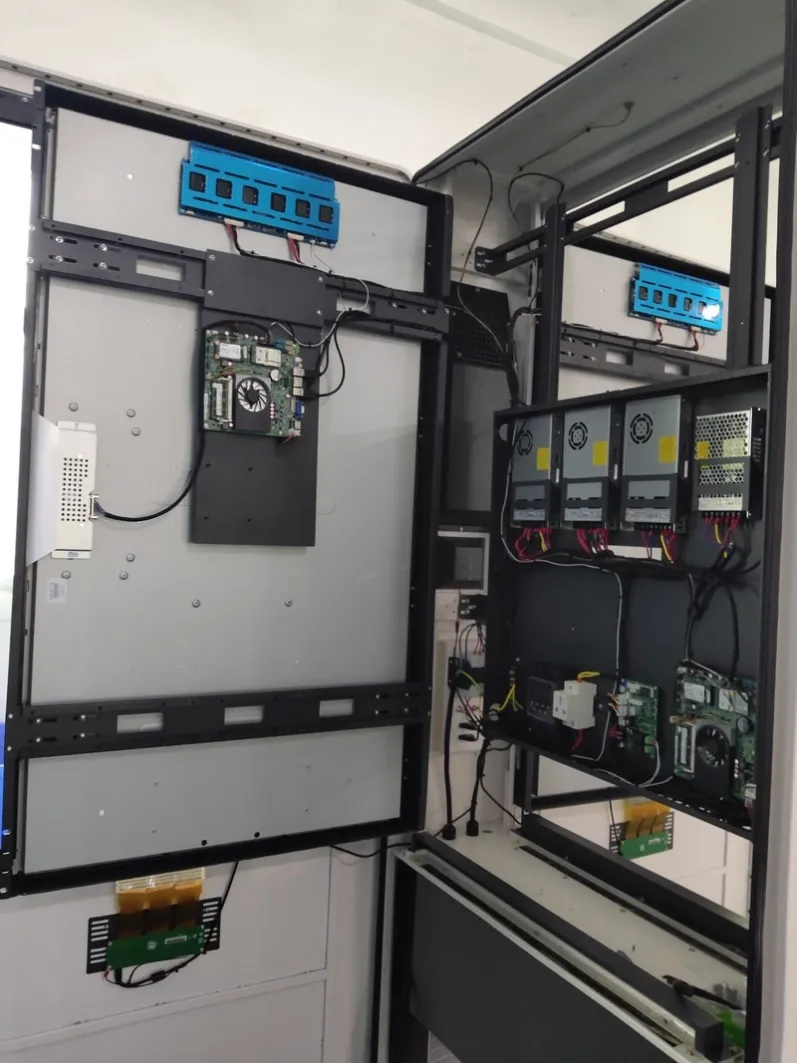
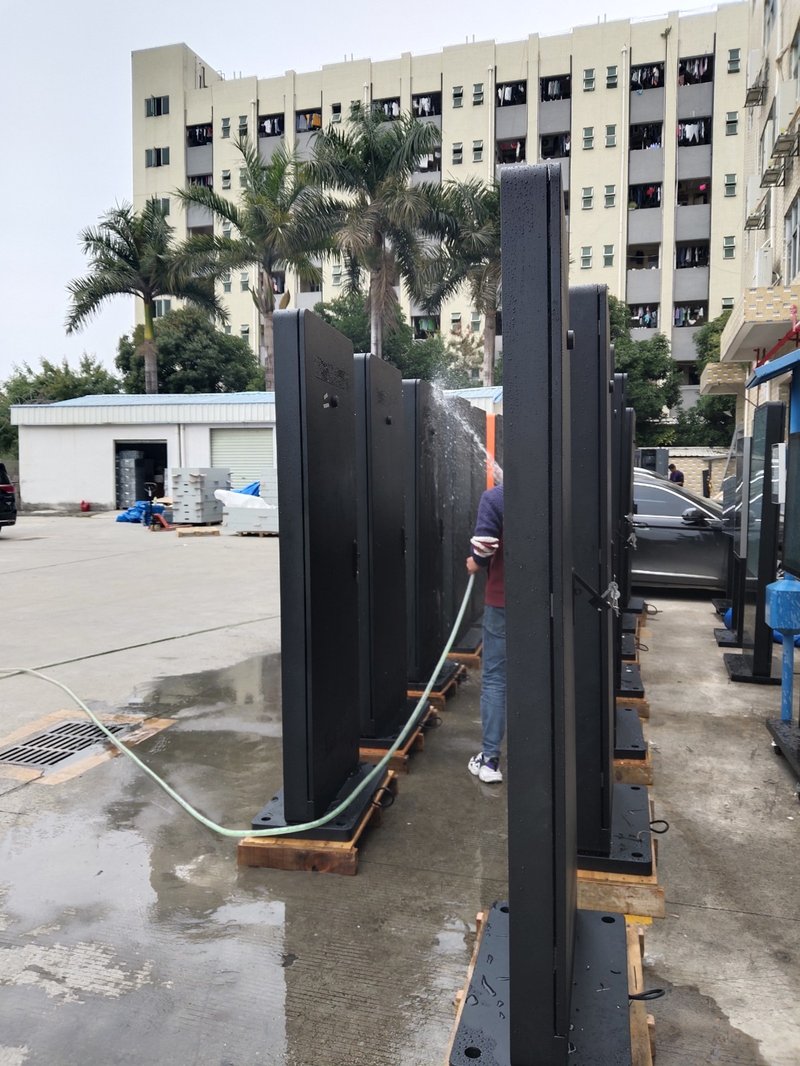
Cleaning methods must respect the declared protection boundary. Resistance to defined rain does not permit close high-pressure washing or provide equal protection with a service door open. Site staff need clear no-spray areas, connector checks and safe isolation steps for internal moisture. Written instructions prevent incorrect cleaning from damaging a compliant enclosure.
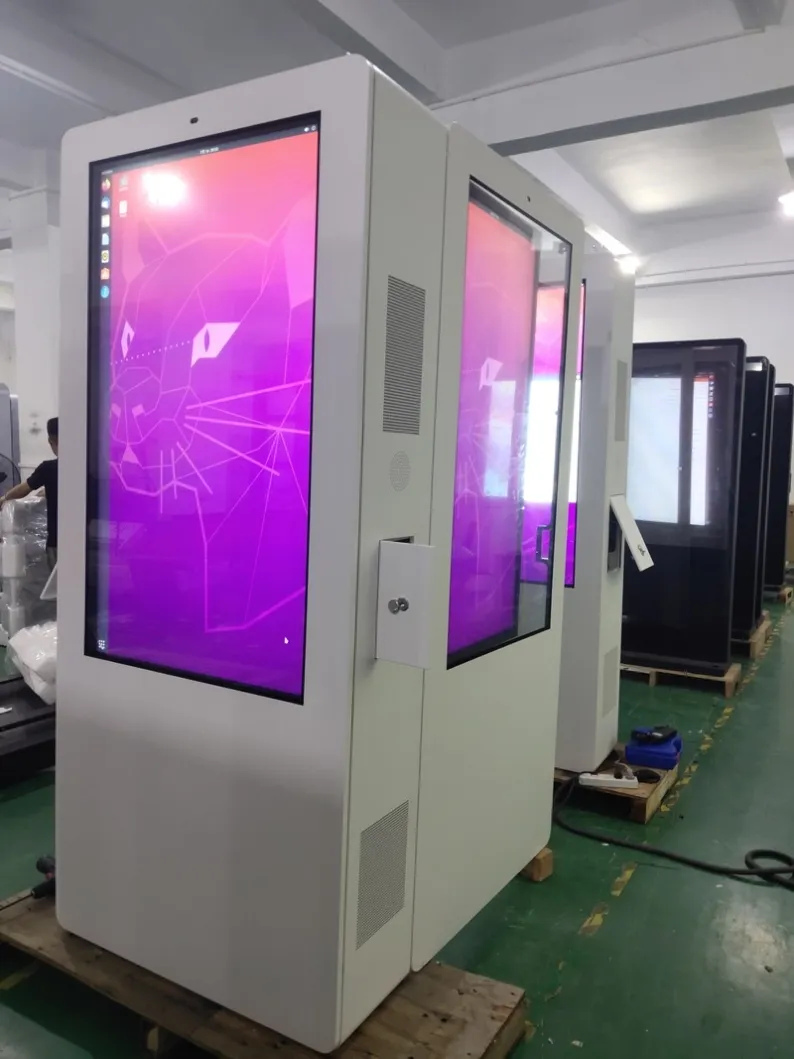
Where a system includes several cabinets or external modules, confirm each protection scope separately. Do not extend the main cabinet rating automatically to an external player, power box or junction enclosure. Reliability follows the weakest exposed boundary. The IP rated digital signage result should be verified before the task is closed.
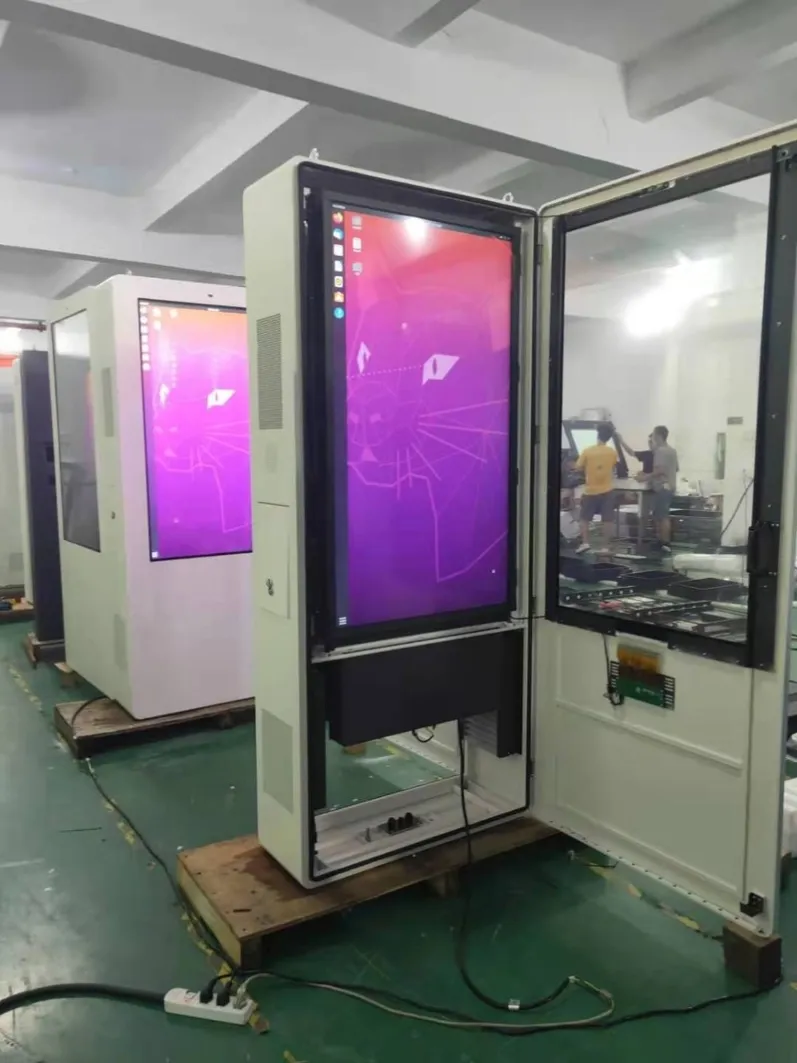
Before confirming this IP rated digital signage project, document site photographs, orientation, operating hours, local power, viewing distance and maintenance access. Keep the same information with later inspection results so the original assumptions can be reviewed when conditions change.
Featured Commercial Hardware: Discover our flagship 55" IP65 Outdoor Advertising Kiosk, 65" Direct Sunlight High-Brightness Display, and 75" 2500 Nits Waterproof Outdoor Totem with factory-direct OEM/ODM customization.