Oct 14, 2026Installation & Maintenance
Outdoor Display Screen Daily Maintenance: Key Operational Details to Prevent Premature Failure
Essential outdoor display screen daily maintenance details: surface cleaning protocols, air filter replacement, power cord inspection, and vent care.
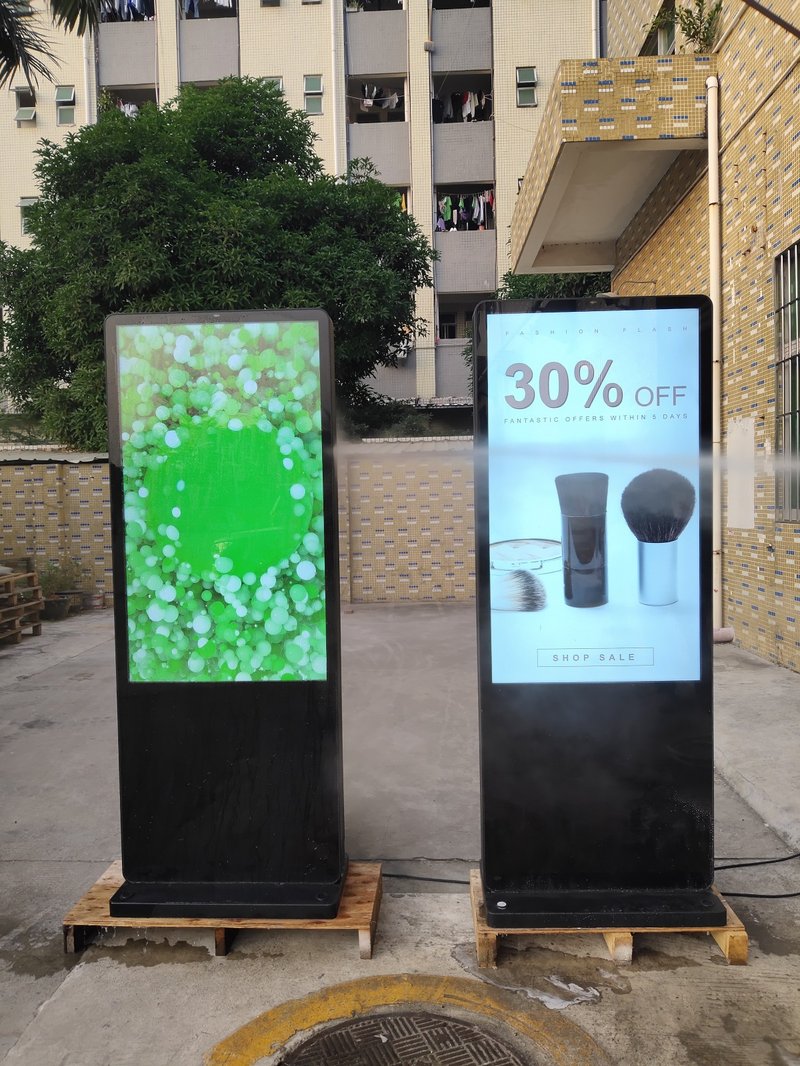
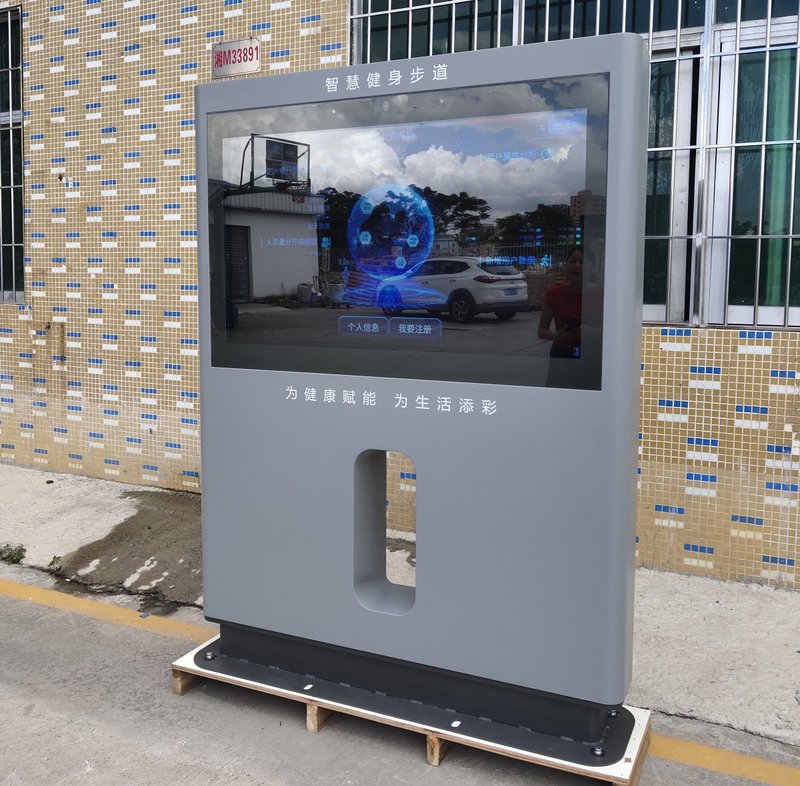
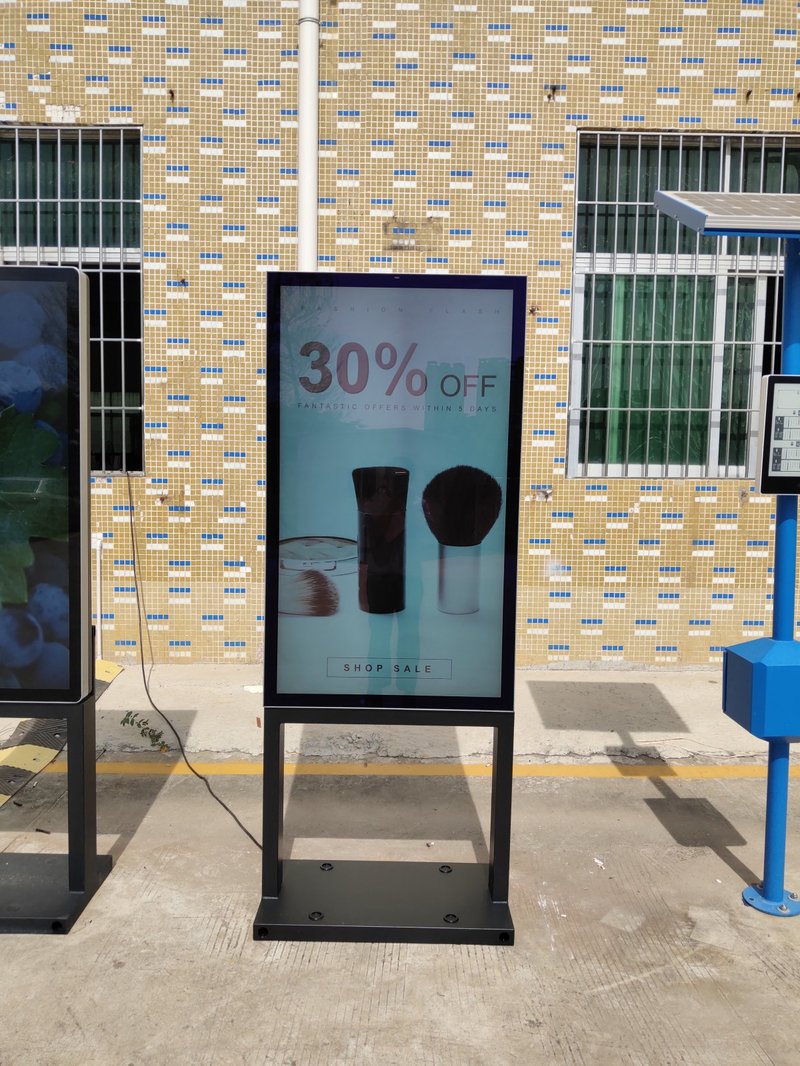
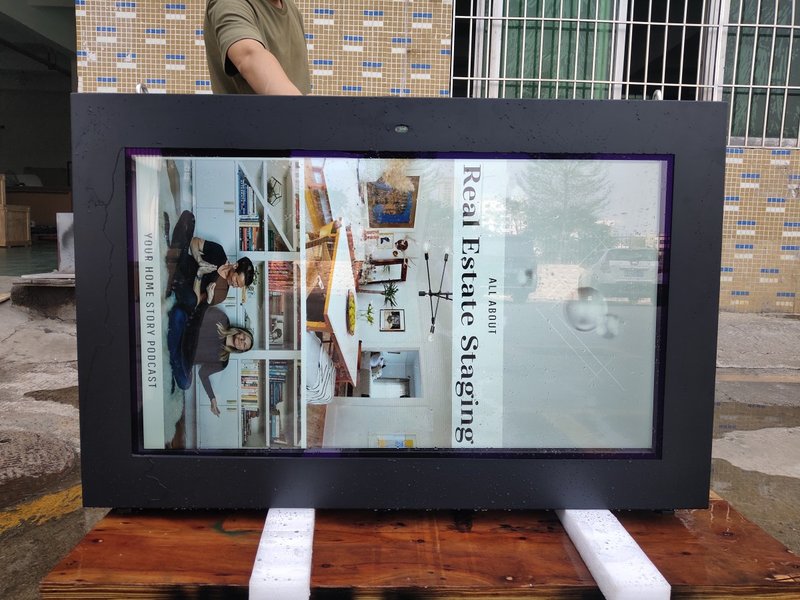
Deploying a high-performance Outdoor Display Screen Daily Maintenance provides commercial spaces and public venues with an all-weather digital display solution. As standard information and promotional display terminals, commercial digital signage players are extensively deployed across commercial spaces, public venues, transit terminals, and public service halls. Because these systems are typically expected to operate for extended hours—and in many cases are installed in high-traffic, semi-open, or open environments—implementing disciplined routine maintenance is essential to preserving optimal display performance and long-term operational stability.
Systematic maintenance not only minimizes unexpected equipment glitches during operation, but also ensures the continuity, vibrancy, and reliability of commercial advertising and public announcements. Below are the critical aspects that must be observed during the routine maintenance of digital signage displays:
1. Exterior Cleaning and Physical Maintenance with a Outdoor Display Screen Daily Maintenance
Digital signage kiosks are generally located in crowded public environments, making them prone to the accumulation of airborne dust, fingerprints, smudges, and environmental grime over prolonged usage.
Periodically cleaning the device's exterior maintains a pristine visual presentation while preventing dust buildup from compromising internal operational airflow.
When cleaning the display screen and chassis, always use a soft, lint-free microfiber cloth. Avoid coarse textiles, paper towels, or abrasive materials that could scratch the protective glass or optical coatings.
For stubborn smudges, use professional screen-cleaning solutions formulated specifically for commercial electronic displays. Never spray cleaning liquids directly onto the display surface; apply lightly to the cloth instead to prevent liquid seepage into the bezel seams. Always power off the display prior to cleaning to ensure electrical safety.
2. Thermal Management and Cooling System Maintenance
Digital signage displays generate heat during continuous commercial operation. Maintaining an unobstructed thermal environment is essential to ensuring internal component reliability.
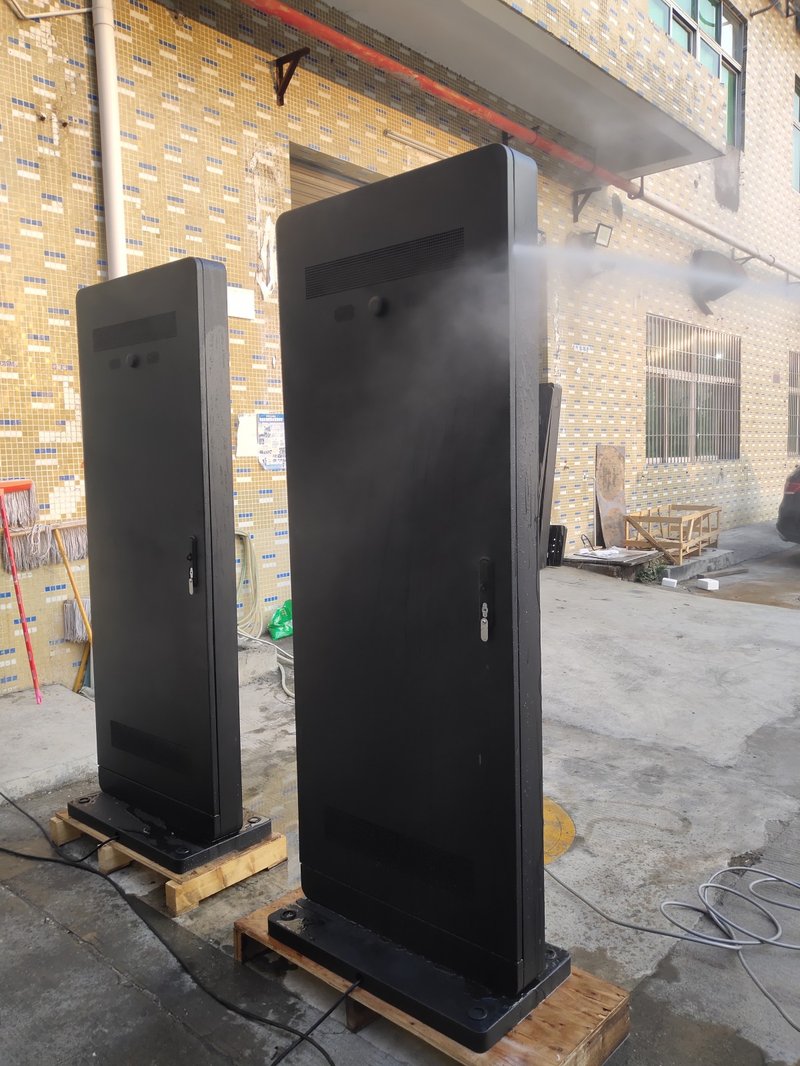
During daily operation, verify that adequate clearance is maintained around the kiosk. Never allow signage, promotional banners, or debris to obstruct ventilation louvers, intake grilles, or exhaust ports, which can impede thermal convection.
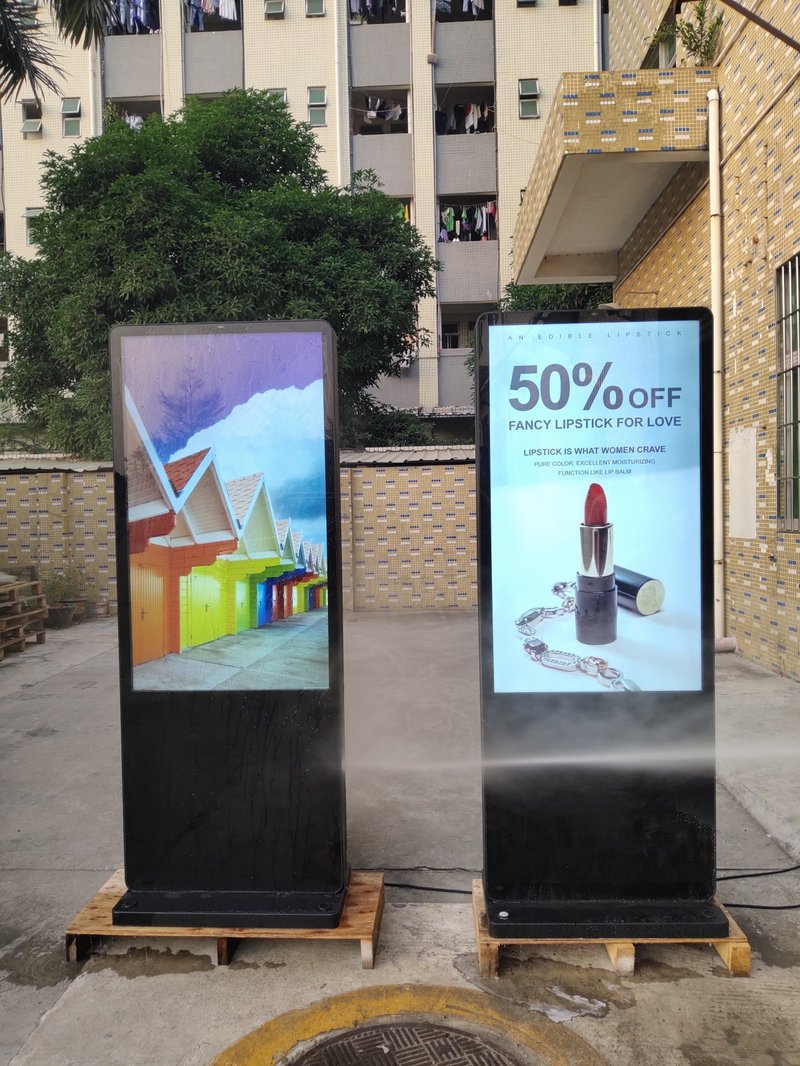
For outdoor-installed digital signage, thermal dissipation and environmental ingress protection require extra vigilance. Prolonged exposure to intense solar radiation rapidly increases internal temperatures; therefore, appropriate structural placement and shading considerations should align with the manufacturer's engineering specifications.
Furthermore, regularly inspect the operating status of internal cooling fans and ventilation grilles. Periodically clean away accumulated dust from intake filters to keep the thermal management system operating at peak efficiency.
3. Software Updates and Content Management
Most commercial digital signage players rely on dedicated Content Management Systems (CMS) and operating system firmware. Proactive software maintenance preserves software responsiveness and system stability.
Regularly monitor software and media player operational health. Deploy firmware updates and CMS security patches exclusively through authorized, reliable vendor channels. Avoid sideloading unverified third-party applications to mitigate software conflicts and cyber vulnerabilities.
Concurrently, curate and manage playback content strategically. Periodically refresh marketing media and verify that all video codecs, image resolutions, and aspect ratios match the display's native panel specifications for crisp, distortion-free playback.
4. Electrical Power Management
A stable, reliable electrical supply is the lifeblood of long-term commercial display operation.
Ensure all power cables and terminal connections remain securely seated, preventing loose wiring that can cause voltage arcing or intermittent dropouts. Avoid erratic power cuts and severe line voltage spikes that can stress power supply units.
In environments subject to electrical grid instability, deploying dedicated voltage regulators, uninterruptible power supplies (UPS), or surge protectors is highly recommended to protect sensitive electronics.
If a display will remain unused for an extended duration, properly power down and disconnect the unit. However, during normal operational schedules, avoid unnecessary, rapid power cycling to minimize inrush current stress on internal circuitry.
5. Periodic Inspections and Preventative Servicing
Beyond routine cleaning and content updates, scheduling comprehensive periodic hardware inspections is a cornerstone of effective maintenance.
The inspection checklist should include:
Screen display quality: check for color accuracy, uniform luminance, and absence of dead pixels;
Audio output: verify sound clarity and speaker driver stability;
Touch responsiveness: test touch point accuracy and calibration (for interactive touch kiosks);
Power wiring and interface integrity: inspect all external ports, cables, and terminal connections;
Chassis and mounting structure: verify that all structural fasteners, wall anchors, and hinges remain tight and corrosion-free.
If operational abnormalities occur, do not attempt unauthorized disassembly. Commercial digital signage integrates sophisticated display panels, high-voltage backlights, switching power supplies, and logic controller boards. Always consult the product manual and engage certified professional technical personnel for diagnostics and repairs.
Conclusion
The continuous, stable operation of commercial digital signage relies not only on robust industrial engineering, but also on disciplined, proactive routine maintenance. By keeping the equipment clean, maintaining unobstructed thermal dissipation, managing software updates responsibly, and conducting periodic preventative checkups, operators can ensure their digital signage delivers stunning visual performance throughout its operational lifespan.
ZXTLCD delivers tailored commercial display solutions engineered for indoor retail showcases, public information dissemination, and demanding outdoor environments. We provide customized display hardware architectures designed to help clients achieve dependable, high-impact visual communication. In conclusion, selecting a professional Outdoor Display Screen Daily Maintenance guarantees long-term operational stability, superior sunlight readability, and maximum commercial impact.
Looking for customized Outdoor Display Screen Daily Maintenance solutions, high-brightness outdoor digital signage kiosks, or weatherproof commercial displays? Feel free to contact the ZXTLCD engineering team for detailed technical specifications, mounting drawings, and volume pricing.