Material Notes
2500 Nits Outdoor Display: Is It Bright Enough for Direct Sunlight?
Learn when a 2500 nits outdoor display is suitable for direct sunlight and how screen direction, reflections, content and brightness control affect visibility.
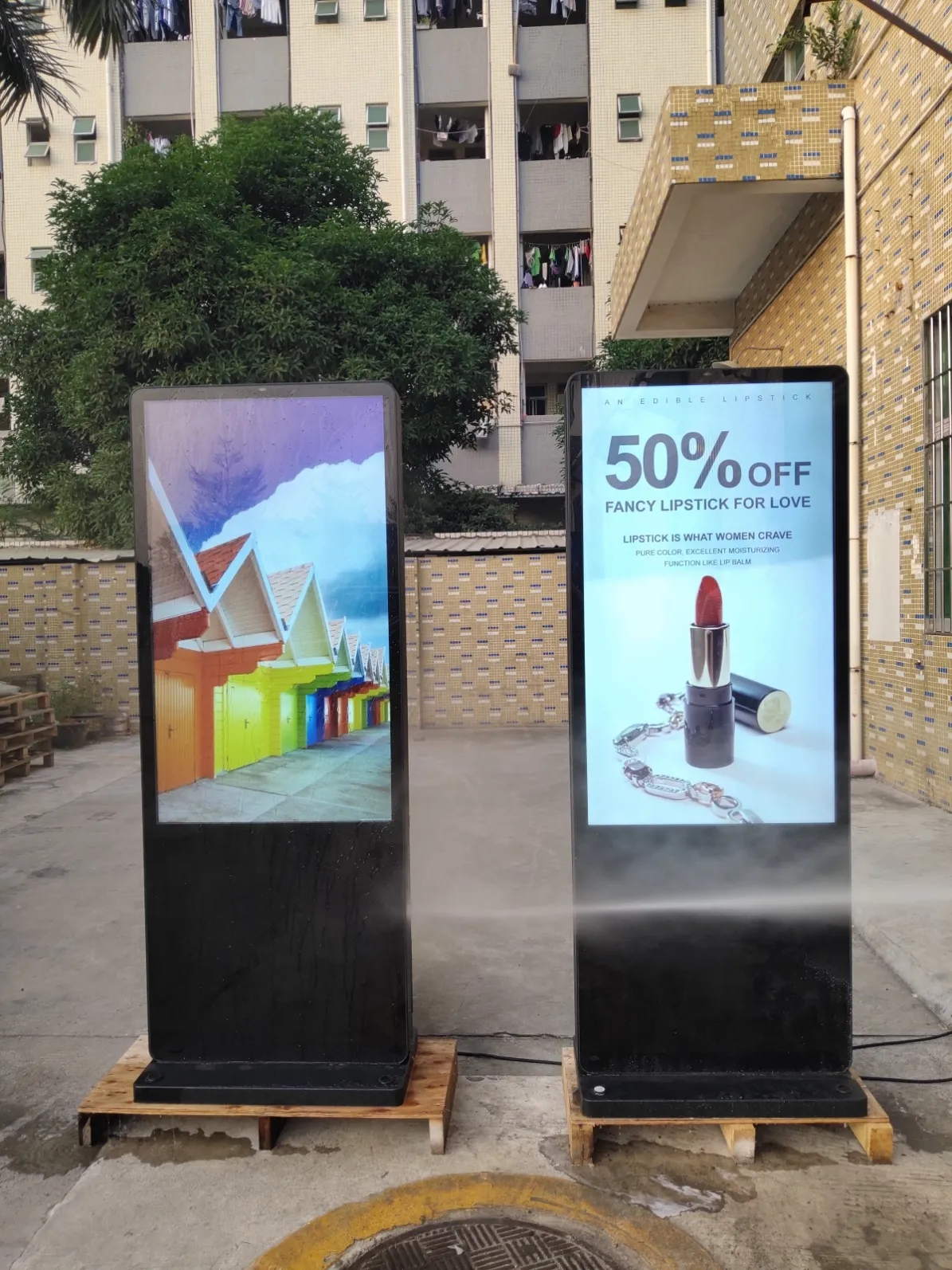
Is a 2500 Nits Outdoor Display Bright Enough for Direct Sunlight?
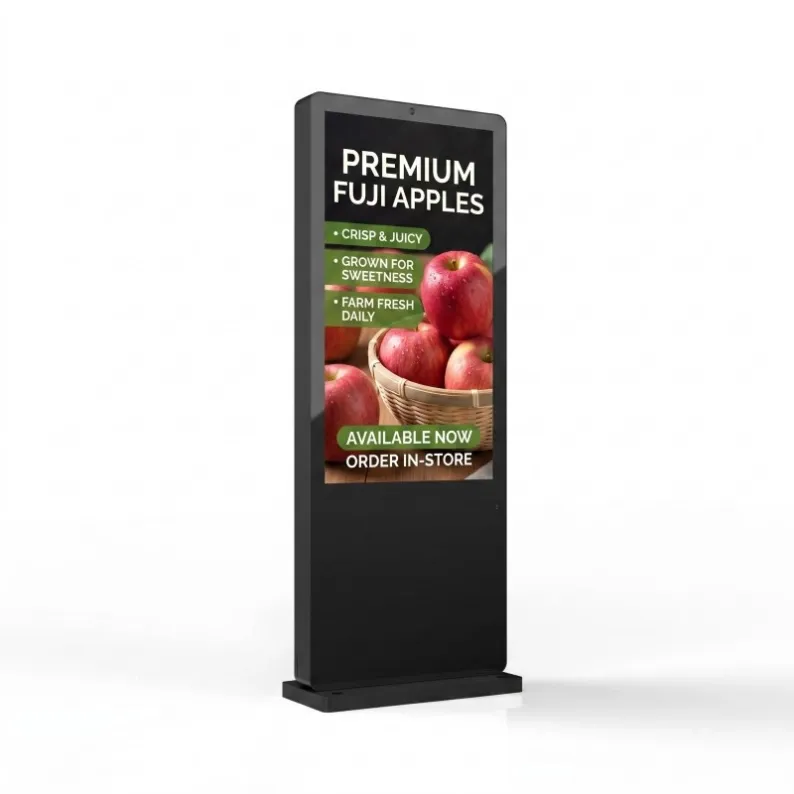
A 2500 Nits Outdoor Display is designed for high-ambient-light environments and can provide substantially better daytime visibility than a conventional indoor commercial screen. However, the number alone does not guarantee perfect readability in every outdoor location.
Direct sunlight, front-glass reflection, screen direction, content contrast and automatic brightness control all influence what the viewer actually sees. The most reliable approach is to evaluate the complete installation rather than approving the screen from the brightness figure alone.
What Does “2500 Nits” Mean?
A nit is a measurement of luminance. One nit is equivalent to one candela per square metre. A screen rated at 2500 nits can therefore produce significantly more visible light than a typical indoor display.
This extra output helps the image compete with bright outdoor surroundings. Without sufficient luminance, dark areas of the content become difficult to distinguish and colours may appear washed out.
The rating should represent the intended operating output of the display, not a short-lived peak value that cannot be maintained during normal operation. Buyers should ask how brightness is controlled and whether the panel can sustain the required output under expected environmental conditions.
Direct Sunlight Is Not One Fixed Condition
“Outdoor sunlight” can describe several very different situations.
A screen beneath a deep canopy may receive bright ambient light without the sun striking its surface directly. Another screen may face low afternoon sunlight for several hours. A third may sit between reflective glass buildings that increase surrounding glare.
The following conditions should be recorded during a site survey:
- Morning and afternoon sun direction
- Duration of direct exposure
- Reflections from glass, water or light-coloured walls
- Viewer position
- Screen mounting angle
- Seasonal changes in sunlight
- Shadows from trees or nearby structures
A 2500 Nits Outdoor Display installed facing west may experience a much more demanding afternoon period than the same model facing north beneath a canopy.
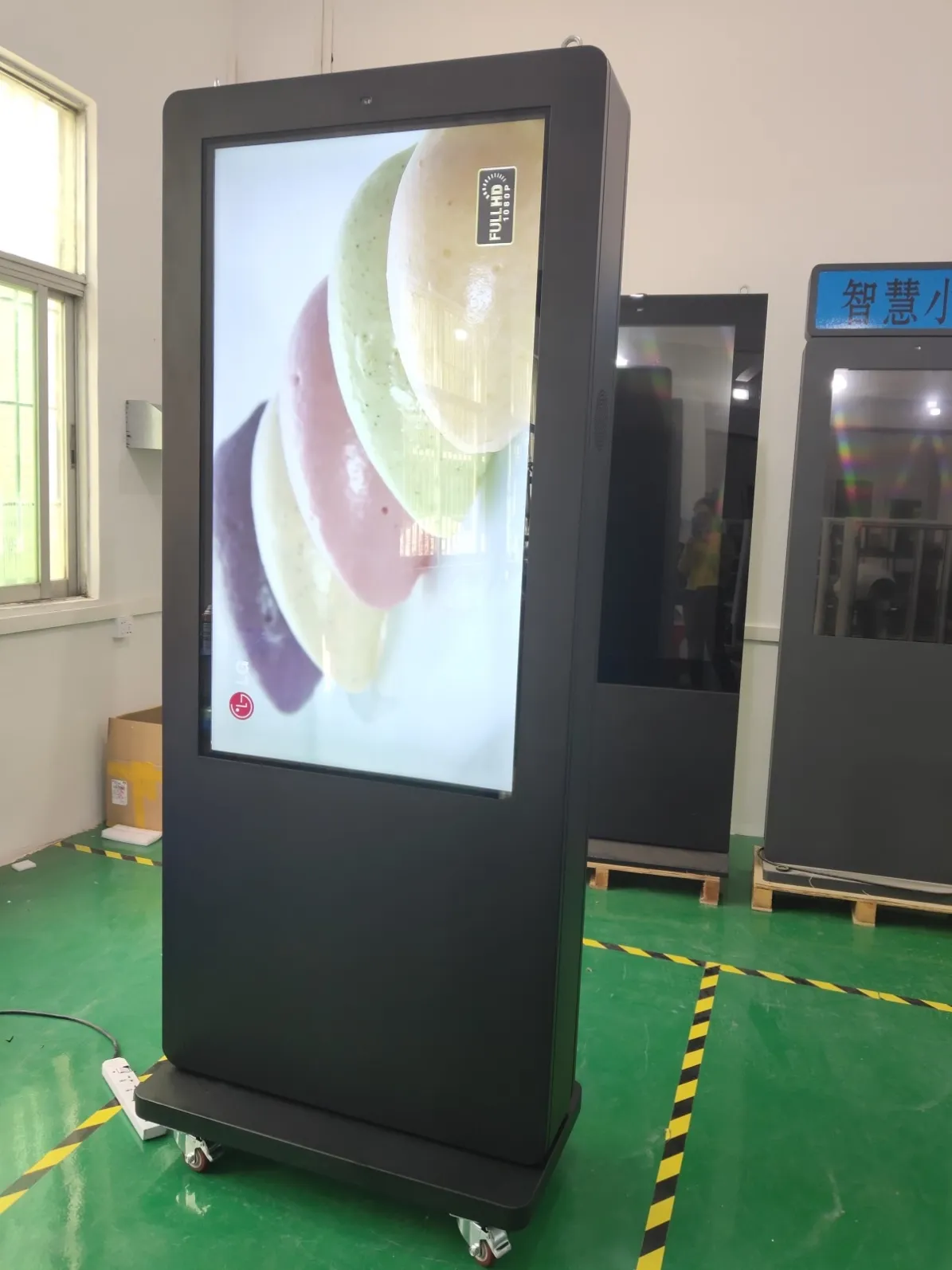
Brightness and Reflection Are Different Problems
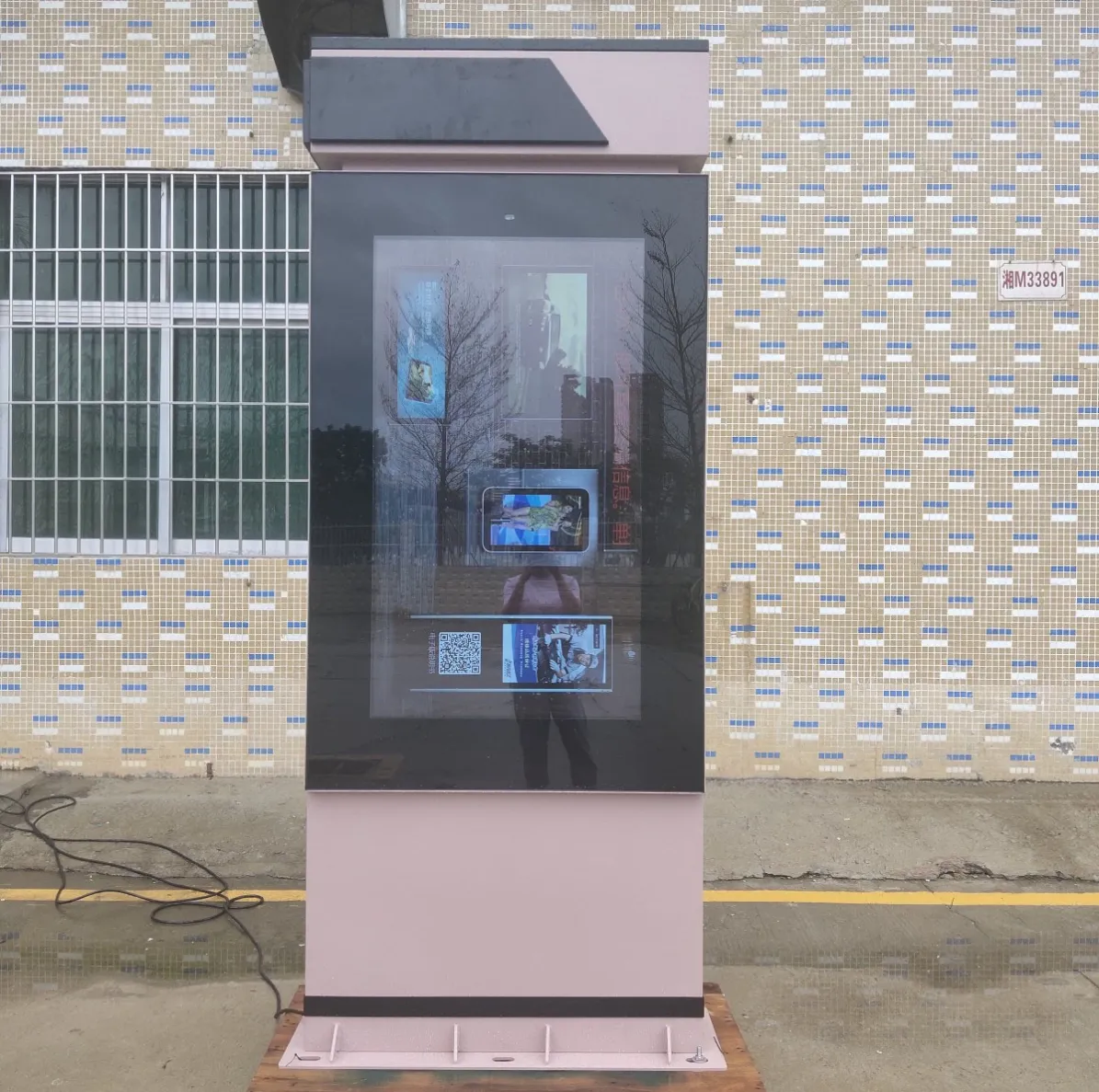
Increasing luminance helps the screen compete with daylight, but it does not remove reflections from the front surface.
If a viewer sees the sky, nearby traffic or their own reflection on the display glass, part of the content may remain difficult to read even at high brightness.
Installation teams can reduce reflection problems by:
- Adjusting the screen direction
- Avoiding alignment with reflective façades
- Using suitable front-glass treatments
- Reviewing the screen from the normal viewer position
- Adding architectural shading where appropriate
- Preventing unnecessary light sources behind the viewer
A small change in mounting angle can sometimes improve readability more than a further increase in panel output.
Content Design Has a Major Effect
Outdoor content must be designed for outdoor viewing. A presentation that looks attractive on a laptop may fail when viewed from ten metres away in bright daylight.
Use strong contrast
Dark text on a mid-tone photograph is difficult to read. Headlines should have clear contrast with the background, supported by a solid colour area or controlled image treatment.
Keep typography large
Screen size does not automatically make small text readable. Font size should be selected according to viewing distance and movement.
Reduce visual clutter
One strong product image and one short headline are usually more effective than several small images, specifications and offers.
Keep essential information visible
Prices, event dates, route numbers and calls to action should not disappear behind long animated sequences.
Test at actual size
Review campaign artwork on the installed screen during the brightest part of the day. Desktop approval cannot reproduce the real viewing environment.
A well-designed campaign can make a 2500 Nits Outdoor Display appear clearer and more professional without increasing hardware output.
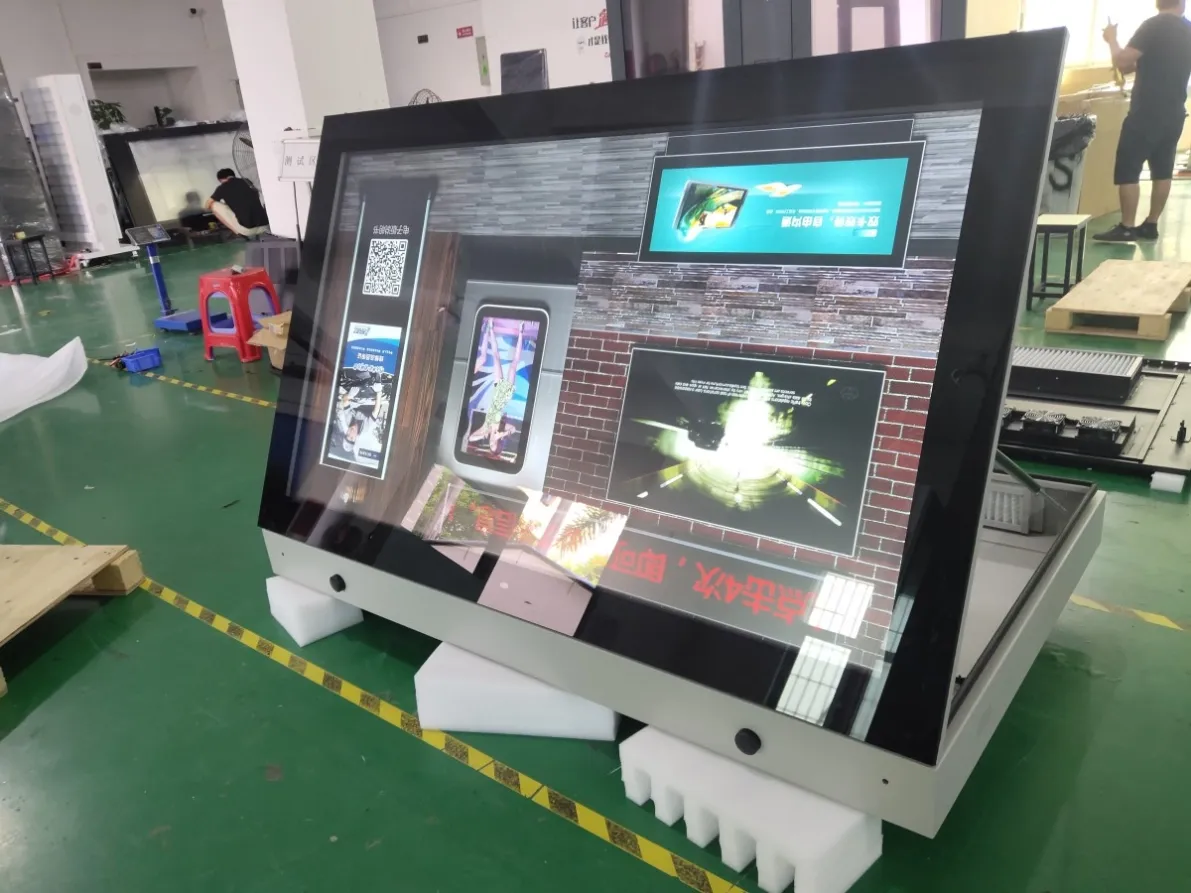
Where 2500 Nits Is Commonly Useful
Outdoor retail storefronts
Street-facing displays compete with daylight, window reflections and surrounding shop signs. High brightness helps product campaigns remain visible before customers enter the store.
Drive-thru menu boards
Drivers need to read names and prices through a windscreen. The display must remain visible during breakfast, lunch and late-afternoon sun conditions.
Bus stations and transit hubs
Outdoor passenger information must compete with open daylight and may be viewed from several directions. Route numbers and alerts require strong contrast.
EV charging sites
Charging displays are often placed in open car parks with limited natural shade. Daylight visibility and controlled evening brightness are both important.
Open-air malls
Large retail environments contain reflective glass, bright façades and changing shadows. Content needs sufficient output and careful orientation.
Smart-city information
Public displays may show maps, notices and emergency content throughout the day. Readability is more important than decorative visual effects.
Does Every Outdoor Screen Need 2500 Nits?
Not necessarily. A covered exterior walkway, shaded service counter or north-facing installation may not require the same output as a screen exposed to direct sunlight.
The appropriate brightness depends on:
- Shade and canopy depth
- Screen direction
- Expected viewing distance
- Content type
- Operating hours
- Local climate
- Surrounding reflections
Using a 2500-nit panel at maximum output in every condition can increase power use and create excessive brightness after sunset. A good system should manage output according to the environment.
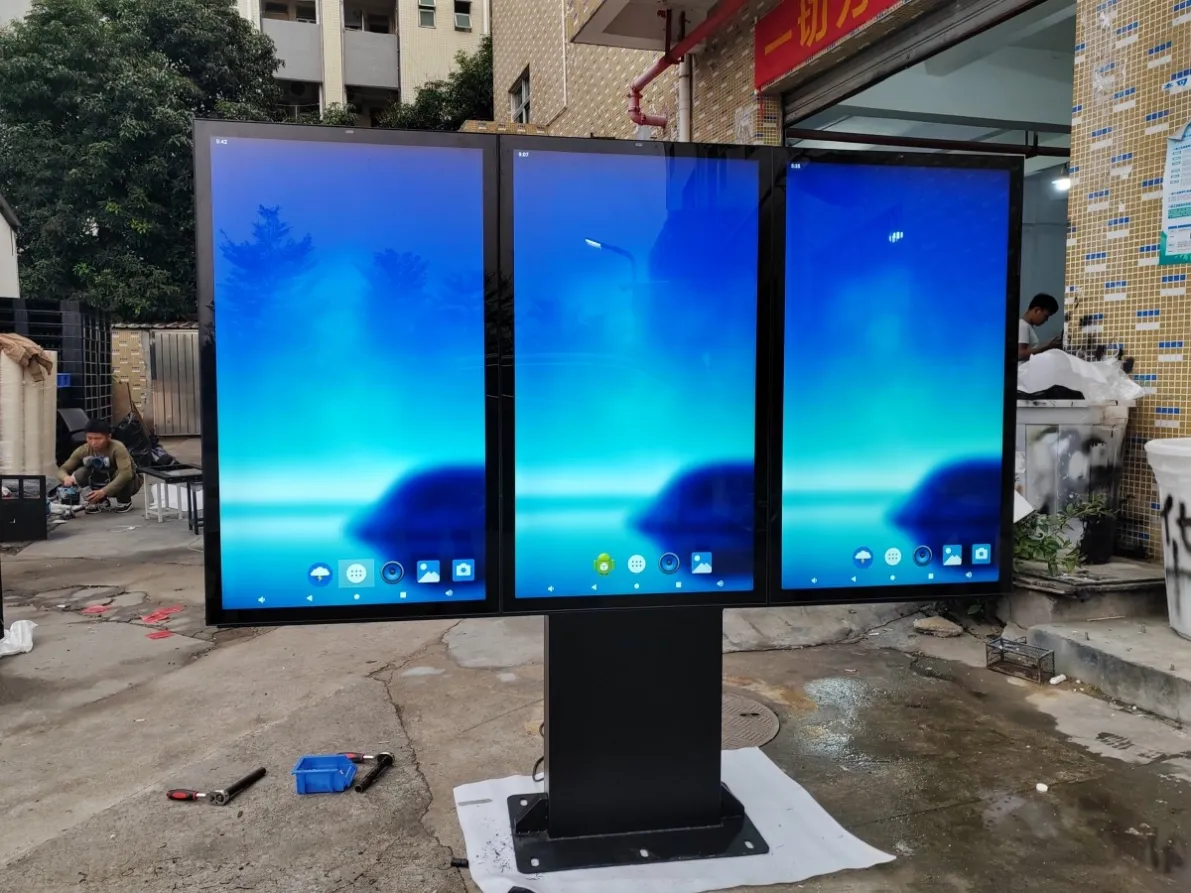
Automatic Brightness Control
A light sensor can allow the screen to increase output during bright daytime periods and reduce it in the evening.
This provides several benefits:
- Better comfort for nighttime viewers
- Reduced glare near roads and housing
- Lower unnecessary power consumption
- More consistent perceived image quality
- Reduced stress on the display system
The brightness curve should be configured for the site rather than left at an unsuitable default setting.
A screen beside a dark rural road needs different evening behaviour from a display inside a brightly illuminated outdoor shopping centre.
Heat Is Part of the Brightness Decision
A high-brightness panel generates heat. Direct sunlight can also warm the front and exterior surfaces of the enclosure.
The thermal system must manage:
- Heat from the LCD panel
- Heat from the backlight
- Media-player and power-supply heat
- Solar heat gain
- Local ambient temperature
- Long daily operating schedules
Fan cooling may suit many outdoor installations, while built-in air conditioning can provide more active temperature management for demanding environments.
The cooling method should be evaluated together with brightness. Selecting a powerful panel without considering thermal control may lead to reduced performance or unnecessary faults.
A Practical On-Site Brightness Test
Before approving a large project, use this process:
- Record the most difficult sunlight period.
- Place a sample or comparable display in the proposed direction.
- Load actual campaign artwork rather than a demonstration video.
- Review it from the normal viewing distance.
- Check white, dark and colour-heavy pages.
- Look for front-glass reflections.
- Repeat the test after sunset.
- Adjust content and automatic brightness settings.
The objective is not to prove that the screen can become extremely bright. It is to verify that real information remains readable throughout the operating day.
Questions to Ask a Display Supplier
When evaluating a 2500 Nits Outdoor Display, ask:
- Is 2500 nits the normal operating brightness?
- Is automatic brightness control available?
- Which cooling system is included?
- What ambient-temperature range is supported?
- What front-glass construction is used?
- How is the screen serviced?
- Can the brightness schedule be adjusted remotely?
- Is the proposed configuration suitable for direct sun?
- What information is needed for foundation or wall mounting?
Answers should relate to the proposed site rather than repeat a generic specification sheet.
Final Answer
A 2500-nit screen provides a strong brightness level for many direct-sun and high-ambient-light installations. It is not an automatic solution to reflections, poor screen orientation or unsuitable content.
The best result comes from combining sufficient panel brightness with proper cabinet cooling, IP-rated protection, automatic control and outdoor-specific creative design.
View the available high-brightness outdoor LCD displays, or send site photographs, screen direction and expected operating hours for a project-specific recommendation.
Featured Commercial Hardware: Discover our flagship 55" IP65 Outdoor Advertising Kiosk, 65" Direct Sunlight High-Brightness Display, and 75" 2500 Nits Waterproof Outdoor Totem with factory-direct OEM/ODM customization.