Material Notes
Outdoor LCD Display Buyer’s Guide: Brightness, Cooling and Installation
A practical outdoor LCD display buying guide covering brightness, IP ratings, cooling systems, screen sizes, installation methods and project planning.
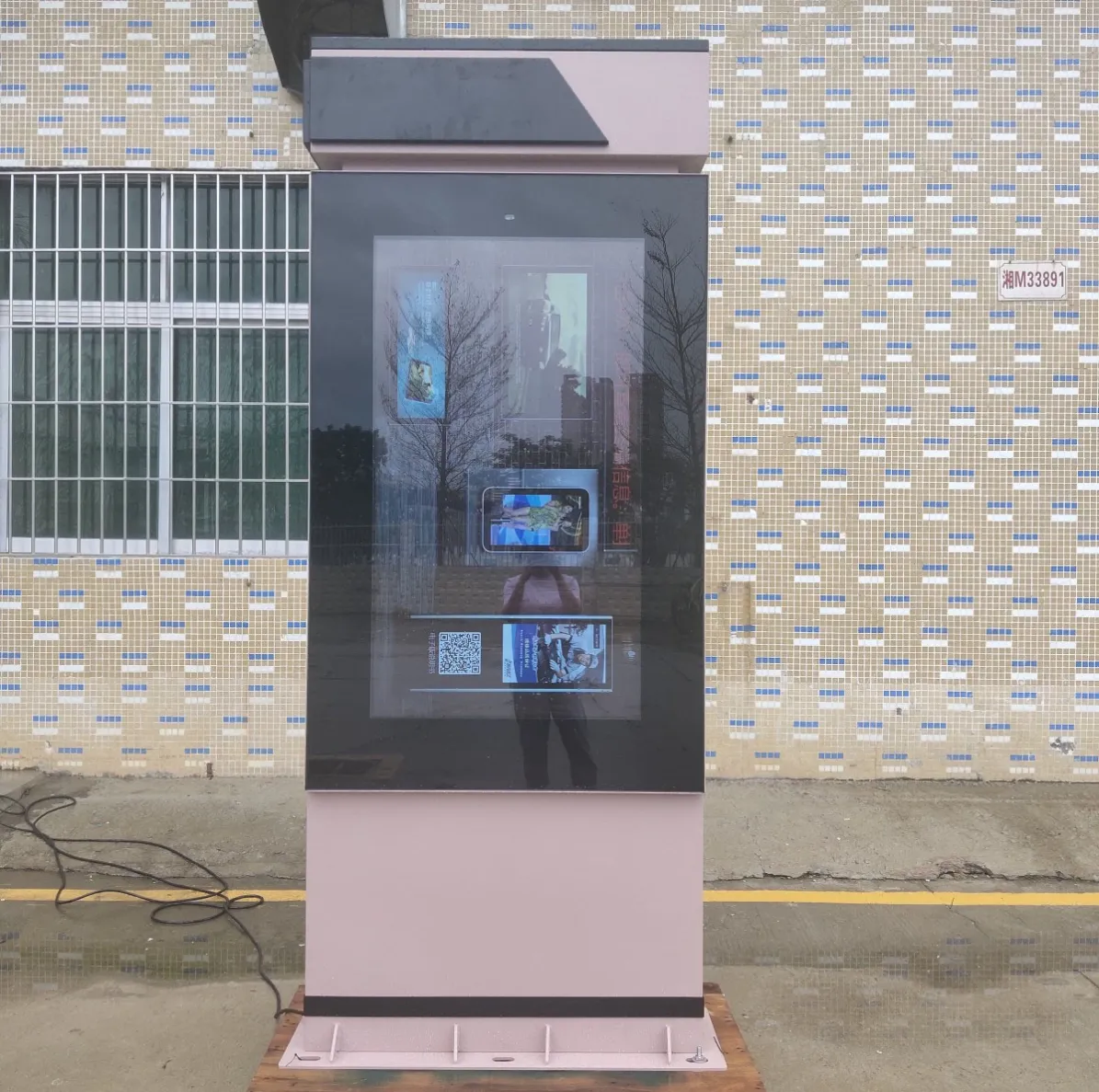
Outdoor LCD Display Buyer’s Guide for Commercial Projects
Buying an outdoor screen involves more than selecting a panel size and requesting the highest available brightness. The display must remain readable in daylight, control internal heat, resist local weather and fit the proposed installation structure. This Outdoor LCD Display Buying Guide explains the decisions that should be made before requesting a quotation or preparing the site.
The right configuration depends on where the screen will be installed, who will view it and how long it will operate each day. A drive-thru menu beside a vehicle lane has different requirements from an advertising kiosk in an open-air mall, even when both products use a 55-inch panel.
Begin with the Viewing Environment
The first useful question is not “Which model is the most powerful?” It is “What will the screen face after installation?”
A proper site review should record:
- Whether the display will receive direct sunlight
- The main direction from which people approach
- Normal viewing distance
- Available wall, pavement or structural space
- Maximum and minimum outdoor temperatures
- Exposure to rain, dust, road pollution or food-service residue
- Daily operating schedule
- Availability of power, network and drainage
Photographs taken in the morning and afternoon can reveal sunlight and reflection problems that are difficult to understand from a floor plan.
The screen should also be reviewed from the viewer’s actual position. For a drive-thru project, that means sitting inside a vehicle. For bus-station signage, it means standing on the passenger approach rather than directly in front of the cabinet.
How Much Brightness Does an Outdoor LCD Need?
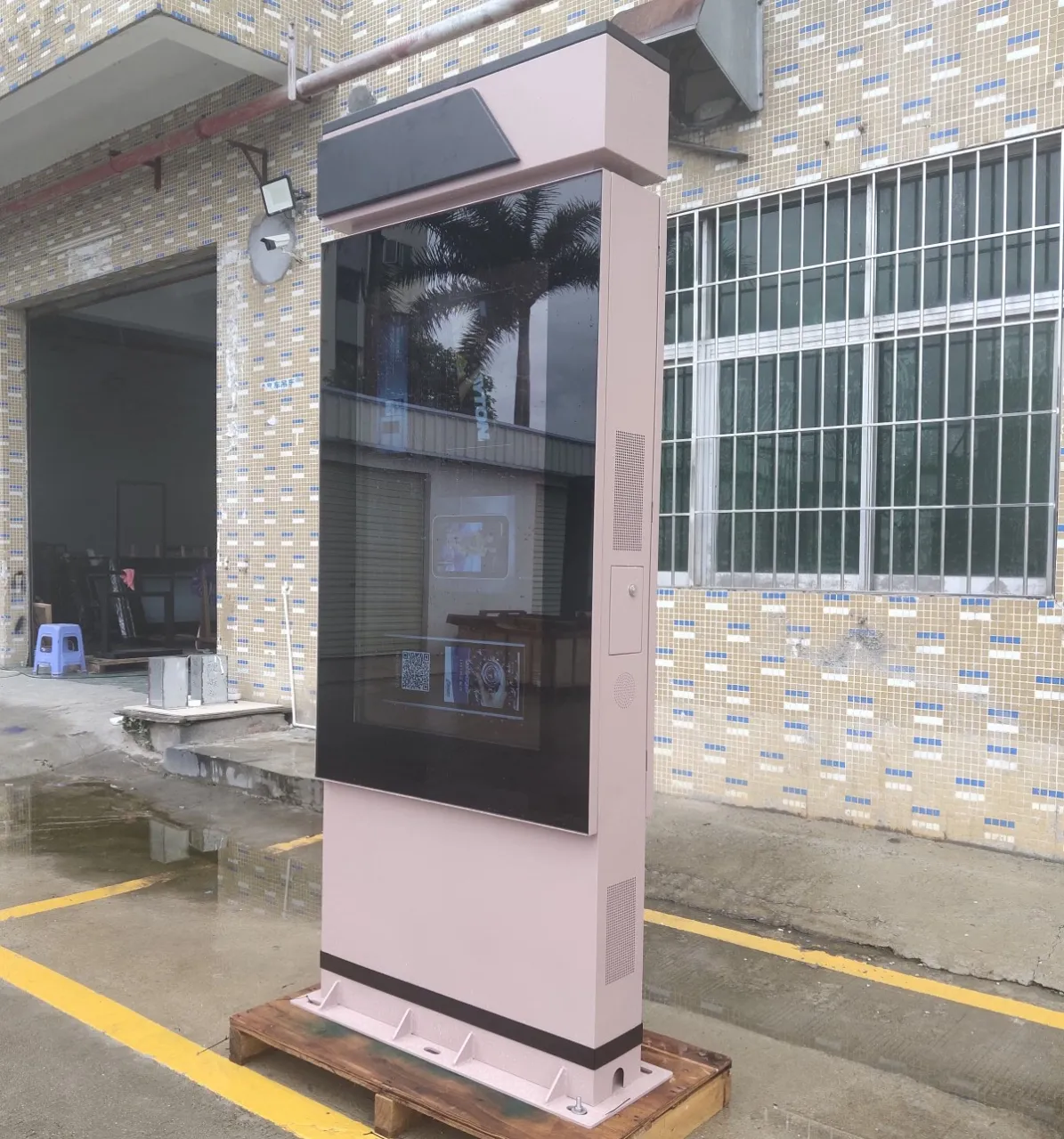
Outdoor LCD brightness is commonly measured in nits, also expressed as candelas per square metre. Indoor commercial screens may look bright inside a showroom but become difficult to read when placed near strong daylight.
A sheltered exterior position may not require the same output as a display facing direct afternoon sun. For demanding outdoor projects, a 2500-nit screen provides a stronger starting point for daylight readability.
Brightness does not solve every visibility problem. Screen orientation, front-glass reflection and content contrast remain important. A poorly positioned 2500-nit display can still be difficult to read, while a correctly positioned screen may perform well without operating at maximum output throughout the day.
Automatic brightness control can reduce screen intensity after sunset. This improves nighttime viewing and avoids unnecessary glare around roads, housing or outdoor dining areas.
Understanding IP65 Protection
Many outdoor digital signage products use an IP65-rated enclosure. The first digit indicates protection against solid particles, while the second relates to water ingress.
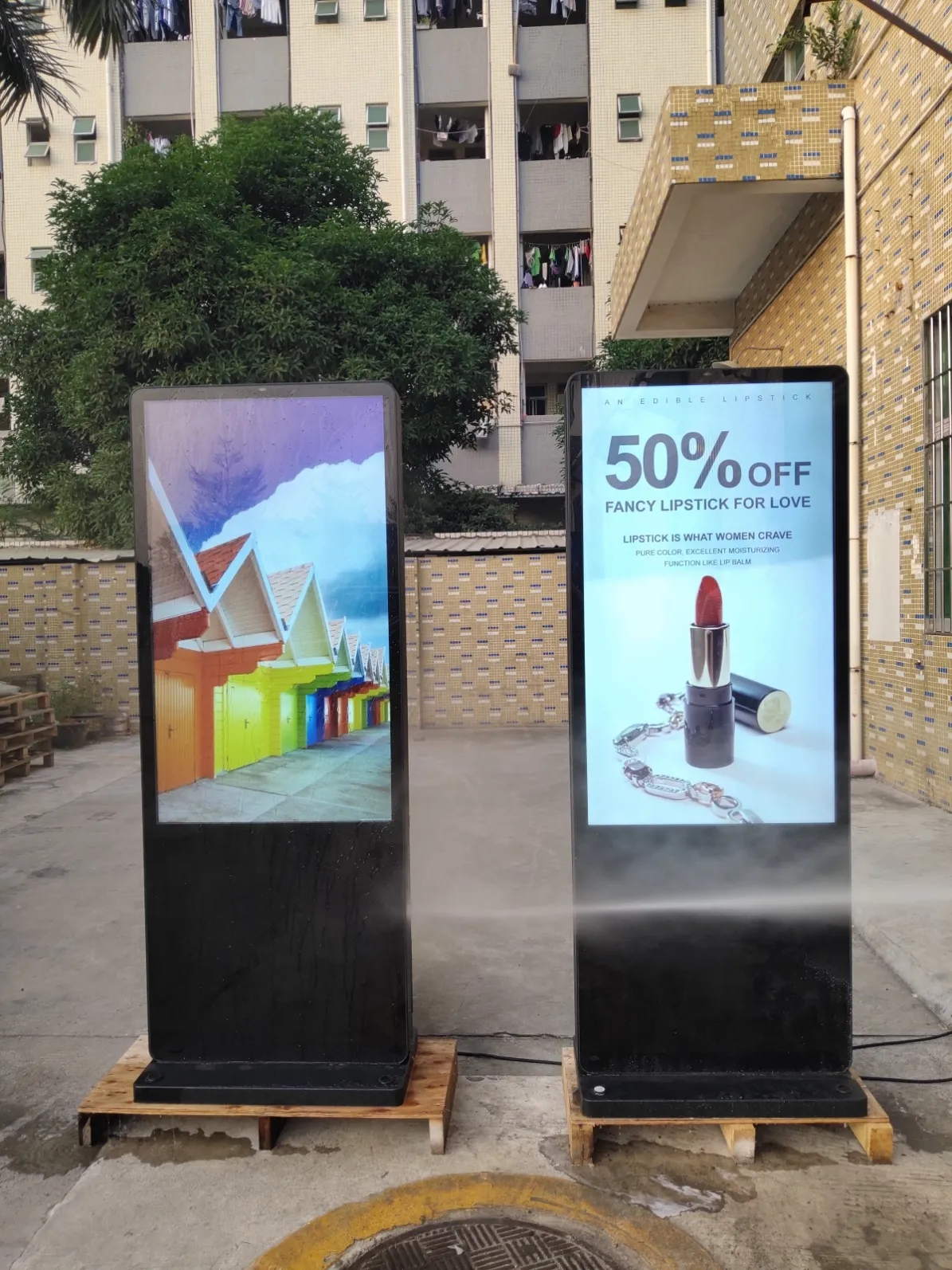
For a commercial outdoor display, IP65 provides a useful enclosure-protection level against dust and water jets. It does not mean that installation details can be ignored.
The finished project still needs:
- Sealed outdoor cable entries
- Suitable power connections
- Drainage around the base
- Protection from concentrated roof runoff
- Correctly closed service doors
- Routine inspection of cabinet seals
- A mounting structure appropriate for the site
An IP65 cabinet connected through an exposed indoor socket does not create a reliable outdoor installation.
Fan Cooling or Built-In Air Conditioning?
High-brightness LCD panels and media electronics generate heat. That heat must be removed from the enclosure without compromising environmental protection.
Built-in fan cooling
Fan-cooled models circulate air through a managed internal thermal path. They may provide a slimmer cabinet and lower power consumption than an active air-conditioning system.
Fan cooling can suit many temperate installations, particularly where the display is shaded or does not operate under the most demanding temperature conditions.
Ventilation areas need regular inspection. Dust, leaves, grease and other debris can restrict airflow over time.
Built-in air conditioning
An air-conditioned enclosure provides more active temperature management. It may be more appropriate for large high-brightness displays, extended operating schedules, direct-sun locations or projects exposed to high ambient temperatures.
The cooling unit adds weight, power demand and maintenance requirements. Filters, condensers and drainage routes should remain accessible after installation.
There is no universal winner. The thermal system should match the climate, cabinet size, sunlight exposure and daily operating schedule.
Selecting an Appropriate Screen Size
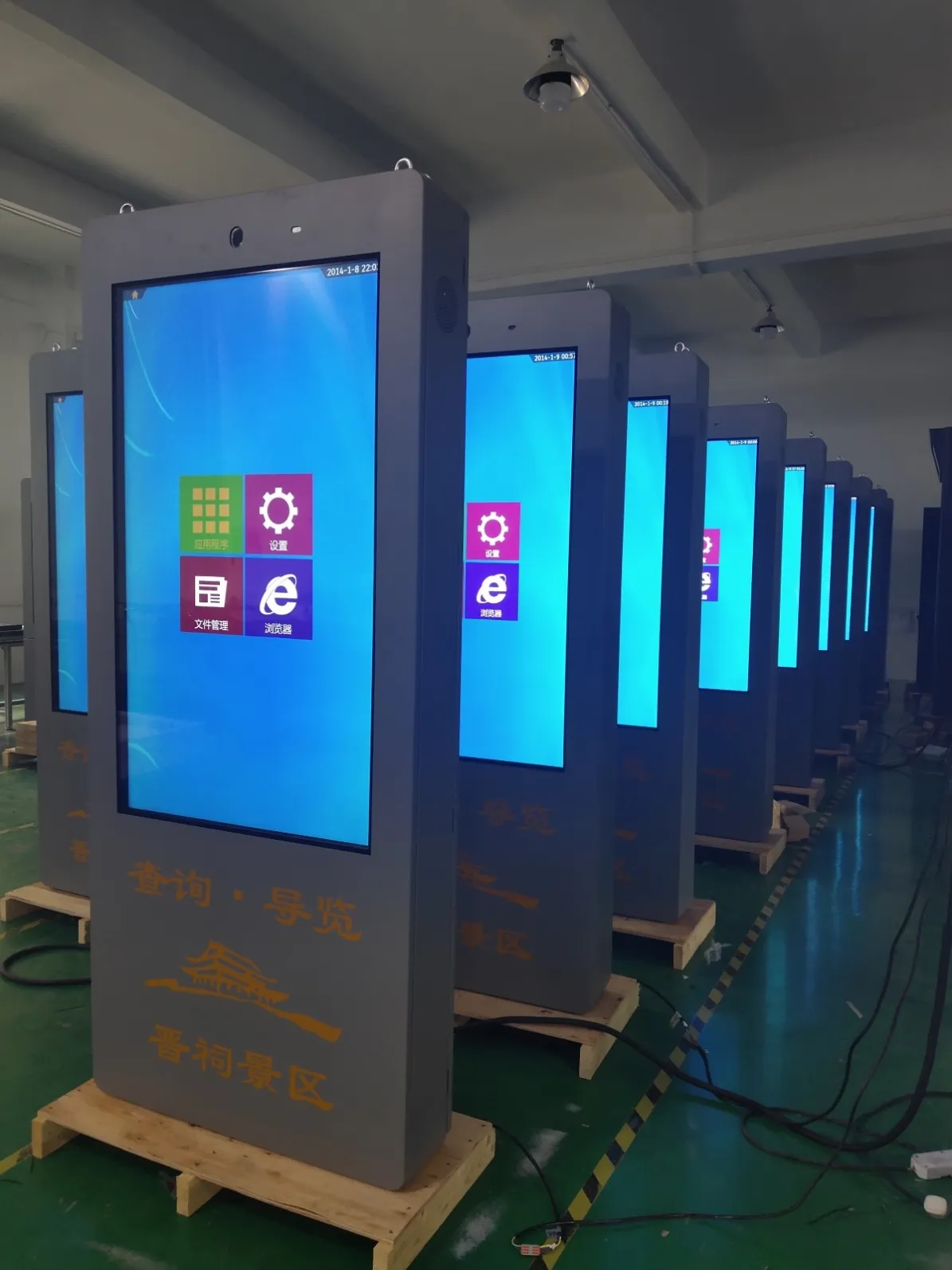
Outdoor LCD displays commonly range from compact 21.5- or 32-inch information screens to 86- and 98-inch media installations.
21.5 to 32 inches
These sizes work well for close-range information, exterior service counters, compact bus stops and secondary drive-thru menu positions.
They should not be expected to perform as long-distance advertising billboards.
43 to 55 inches
This range is suitable for retail entrances, charging stations, public-information points and medium-sized advertising positions. It balances visibility with a manageable cabinet footprint.
65 to 75 inches
Larger screens can serve transport hubs, complete drive-thru menus, smart-city information and open-air shopping centres. Installation structure and service access become increasingly important.
86 to 98 inches
These displays are appropriate for large plazas, architectural media walls and major outdoor commercial positions. Foundation, wall loading, wind exposure and maintenance equipment need project-level engineering.
The correct size follows viewing distance and information density. A larger screen should not be used to display more small text.
Floor Standing, Wall Mounted, Embedded or Pole Mounted?
The installation style affects visibility, construction work and long-term maintenance.
Floor-standing display
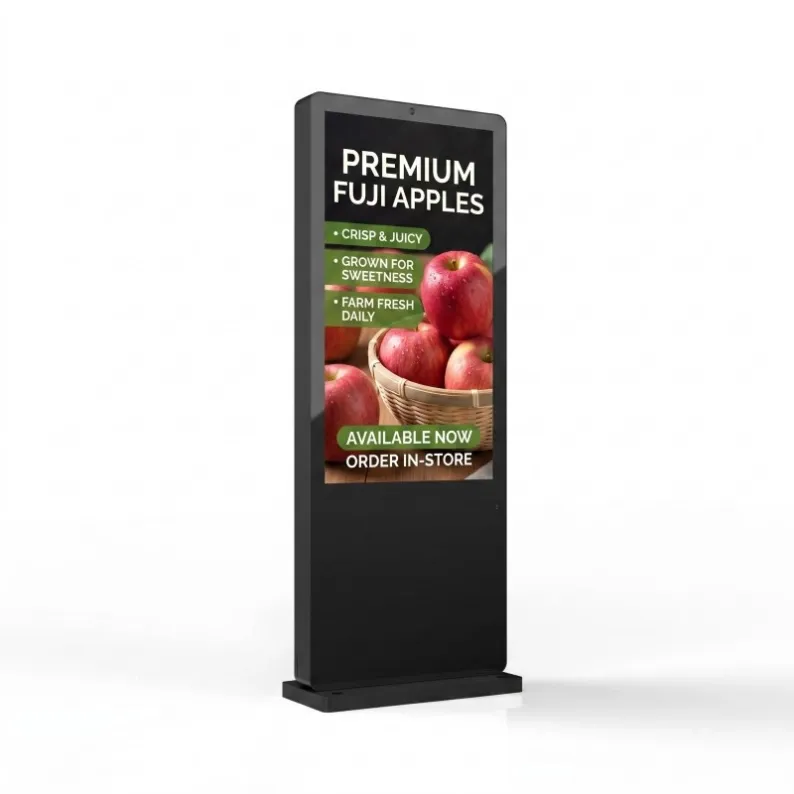
A floor-standing cabinet creates a clear, independent media position. It requires a suitable foundation, anchor points, protected cable entry and enough pedestrian clearance.
This format is widely used for outdoor advertising, retail promotion and public information.
Wall-mounted display
Wall mounting keeps the ground clear and can integrate the screen with an existing building. The wall must support the equipment and local wind load.
Bracket design, screen angle and service access should be reviewed before installation.
Embedded display
An embedded outdoor display can create a clean architectural finish. It requires accurate opening dimensions, cabinet-depth allowance, ventilation space and a practical method for removing or servicing the screen.
The recess must not trap hot air or direct water toward the cabinet.
Pole-mounted display
One- or two-post structures can elevate a screen and improve visibility across an open area. Foundations and supports need engineering for the complete load and local wind conditions.
Power and network cables should remain concealed and protected.
Single-Sided or Double-Sided?
A double-sided outdoor display can serve pedestrians moving in opposite directions. It may be useful on open-air mall walkways, transport routes and other locations with balanced two-way traffic.
Two screens increase power consumption and thermal load. Buyers should specify whether both faces require:
- The same brightness
- Synchronized content
- Independent media players
- Separate campaign schedules
- Individual maintenance access
A product image showing front and rear views does not automatically indicate a double-sided display. The second screen must be specified explicitly.
Android, Windows and Content Management
The operating platform should match the software that will manage the content.
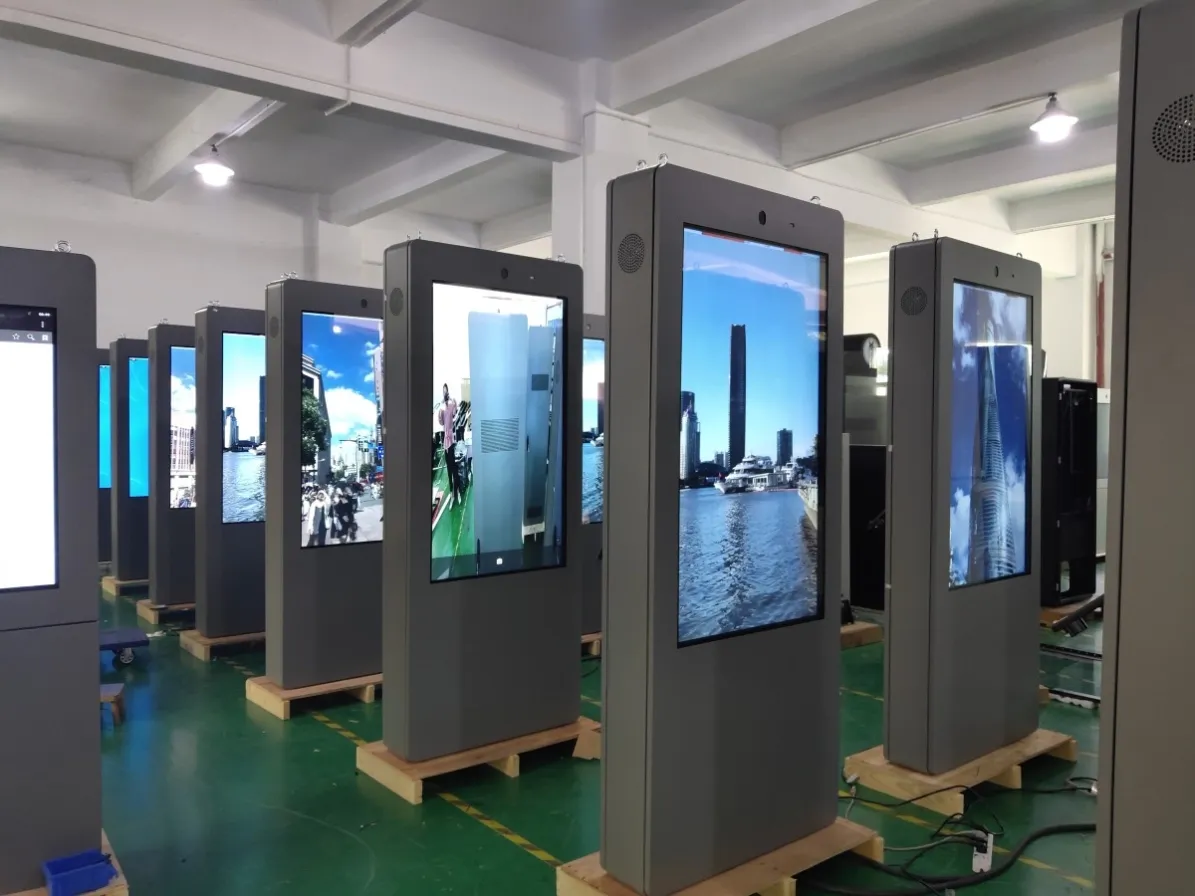
Android configurations can provide a straightforward platform for scheduled digital signage playback. Windows may be required when a project depends on particular applications or enterprise software.
The content system may support:
- Remote campaign publishing
- Playlist scheduling
- Screen grouping by location
- User-permission control
- Device-status reporting
- Playback records
- Offline content storage
A single screen may only require a local media player. A multi-location network benefits from centralized management and monitoring.
Maintenance Should Influence the Purchase
Outdoor equipment needs planned access for cleaning and technical service. A product that fits the available space but cannot be opened after installation will create higher long-term costs.
A routine maintenance plan may include:
- Cleaning the front glass
- Checking cabinet seals
- Inspecting airflow areas
- Cleaning or replacing filters
- Reviewing cooling performance
- Tightening structural connections
- Examining cable-entry protection
- Checking media-player and network status
Maintenance frequency should reflect the environment. A drive-thru display exposed to vehicle emissions and food-service residue may need more attention than a screen in a quiet civic plaza.
Information to Send with a Quotation Request
A detailed request helps the manufacturer recommend a configuration that fits the project.
Include:
- Required screen size
- Installation country and location
- Floor-standing, wall-mounted, embedded or pole-mounted design
- Direct-sun exposure
- Local temperature range
- Expected daily operating hours
- Viewing distance
- Single- or double-sided requirement
- Android or Windows preference
- Network and CMS requirements
- Cabinet colour
- Site photographs and drawings
This information is more useful than requesting “the best outdoor display” without explaining the installation environment.
Outdoor LCD Display Buyer’s Guide for Commercial Projects
Buying an outdoor screen involves more than selecting a panel size and requesting the highest available brightness. The display must remain readable in daylight, control internal heat, resist local weather and fit the proposed installation structure. This Outdoor LCD Display Buying Guide explains the decisions that should be made before requesting a quotation or preparing the site.
The right configuration depends on where the screen will be installed, who will view it and how long it will operate each day. A drive-thru menu beside a vehicle lane has different requirements from an advertising kiosk in an open-air mall, even when both products use a 55-inch panel.
Begin with the Viewing Environment
The first useful question is not “Which model is the most powerful?” It is “What will the screen face after installation?”
A proper site review should record:
- Whether the display will receive direct sunlight
- The main direction from which people approach
- Normal viewing distance
- Available wall, pavement or structural space
- Maximum and minimum outdoor temperatures
- Exposure to rain, dust, road pollution or food-service residue
- Daily operating schedule
- Availability of power, network and drainage
Photographs taken in the morning and afternoon can reveal sunlight and reflection problems that are difficult to understand from a floor plan.
The screen should also be reviewed from the viewer’s actual position. For a drive-thru project, that means sitting inside a vehicle. For bus-station signage, it means standing on the passenger approach rather than directly in front of the cabinet.
How Much Brightness Does an Outdoor LCD Need?
Outdoor LCD brightness is commonly measured in nits, also expressed as candelas per square metre. Indoor commercial screens may look bright inside a showroom but become difficult to read when placed near strong daylight.
A sheltered exterior position may not require the same output as a display facing direct afternoon sun. For demanding outdoor projects, a 2500-nit screen provides a stronger starting point for daylight readability.
Brightness does not solve every visibility problem. Screen orientation, front-glass reflection and content contrast remain important. A poorly positioned 2500-nit display can still be difficult to read, while a correctly positioned screen may perform well without operating at maximum output throughout the day.
Automatic brightness control can reduce screen intensity after sunset. This improves nighttime viewing and avoids unnecessary glare around roads, housing or outdoor dining areas.
Understanding IP65 Protection
Many outdoor digital signage products use an IP65-rated enclosure. The first digit indicates protection against solid particles, while the second relates to water ingress.
For a commercial outdoor display, IP65 provides a useful enclosure-protection level against dust and water jets. It does not mean that installation details can be ignored.
The finished project still needs:
- Sealed outdoor cable entries
- Suitable power connections
- Drainage around the base
- Protection from concentrated roof runoff
- Correctly closed service doors
- Routine inspection of cabinet seals
- A mounting structure appropriate for the site
An IP65 cabinet connected through an exposed indoor socket does not create a reliable outdoor installation.
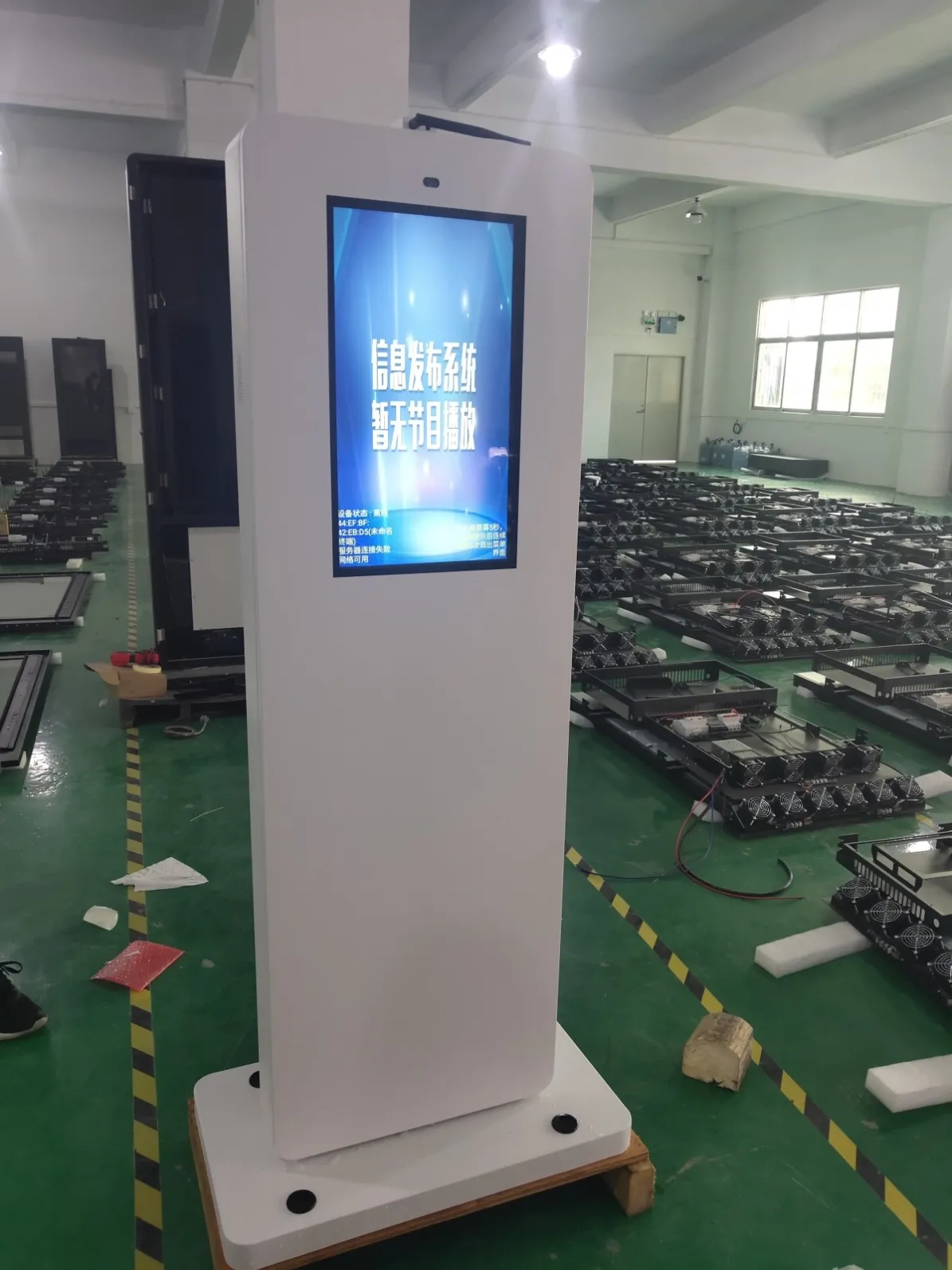
Fan Cooling or Built-In Air Conditioning?
High-brightness LCD panels and media electronics generate heat. That heat must be removed from the enclosure without compromising environmental protection.
Built-in fan cooling
Fan-cooled models circulate air through a managed internal thermal path. They may provide a slimmer cabinet and lower power consumption than an active air-conditioning system.
Fan cooling can suit many temperate installations, particularly where the display is shaded or does not operate under the most demanding temperature conditions.
Ventilation areas need regular inspection. Dust, leaves, grease and other debris can restrict airflow over time.
Built-in air conditioning
An air-conditioned enclosure provides more active temperature management. It may be more appropriate for large high-brightness displays, extended operating schedules, direct-sun locations or projects exposed to high ambient temperatures.
The cooling unit adds weight, power demand and maintenance requirements. Filters, condensers and drainage routes should remain accessible after installation.
There is no universal winner. The thermal system should match the climate, cabinet size, sunlight exposure and daily operating schedule.
Selecting an Appropriate Screen Size
Outdoor LCD displays commonly range from compact 21.5- or 32-inch information screens to 86- and 98-inch media installations.
21.5 to 32 inches
These sizes work well for close-range information, exterior service counters, compact bus stops and secondary drive-thru menu positions.
They should not be expected to perform as long-distance advertising billboards.
43 to 55 inches
This range is suitable for retail entrances, charging stations, public-information points and medium-sized advertising positions. It balances visibility with a manageable cabinet footprint.
65 to 75 inches
Larger screens can serve transport hubs, complete drive-thru menus, smart-city information and open-air shopping centres. Installation structure and service access become increasingly important.
86 to 98 inches
These displays are appropriate for large plazas, architectural media walls and major outdoor commercial positions. Foundation, wall loading, wind exposure and maintenance equipment need project-level engineering.
The correct size follows viewing distance and information density. A larger screen should not be used to display more small text.
Floor Standing, Wall Mounted, Embedded or Pole Mounted?
The installation style affects visibility, construction work and long-term maintenance.
Floor-standing display
A floor-standing cabinet creates a clear, independent media position. It requires a suitable foundation, anchor points, protected cable entry and enough pedestrian clearance.
This format is widely used for outdoor advertising, retail promotion and public information.
Wall-mounted display
Wall mounting keeps the ground clear and can integrate the screen with an existing building. The wall must support the equipment and local wind load.
Bracket design, screen angle and service access should be reviewed before installation.
Embedded display
An embedded outdoor display can create a clean architectural finish. It requires accurate opening dimensions, cabinet-depth allowance, ventilation space and a practical method for removing or servicing the screen.
The recess must not trap hot air or direct water toward the cabinet.
Pole-mounted display
One- or two-post structures can elevate a screen and improve visibility across an open area. Foundations and supports need engineering for the complete load and local wind conditions.
Power and network cables should remain concealed and protected.
Single-Sided or Double-Sided?
A double-sided outdoor display can serve pedestrians moving in opposite directions. It may be useful on open-air mall walkways, transport routes and other locations with balanced two-way traffic.
Two screens increase power consumption and thermal load. Buyers should specify whether both faces require:
- The same brightness
- Synchronized content
- Independent media players
- Separate campaign schedules
- Individual maintenance access
A product image showing front and rear views does not automatically indicate a double-sided display. The second screen must be specified explicitly.
Android, Windows and Content Management
The operating platform should match the software that will manage the content.
Android configurations can provide a straightforward platform for scheduled digital signage playback. Windows may be required when a project depends on particular applications or enterprise software.
The content system may support:
- Remote campaign publishing
- Playlist scheduling
- Screen grouping by location
- User-permission control
- Device-status reporting
- Playback records
- Offline content storage
A single screen may only require a local media player. A multi-location network benefits from centralized management and monitoring.
Maintenance Should Influence the Purchase
Outdoor equipment needs planned access for cleaning and technical service. A product that fits the available space but cannot be opened after installation will create higher long-term costs.
A routine maintenance plan may include:
- Cleaning the front glass
- Checking cabinet seals
- Inspecting airflow areas
- Cleaning or replacing filters
- Reviewing cooling performance
- Tightening structural connections
- Examining cable-entry protection
- Checking media-player and network status
Maintenance frequency should reflect the environment. A drive-thru display exposed to vehicle emissions and food-service residue may need more attention than a screen in a quiet civic plaza.
Information to Send with a Quotation Request
A detailed request helps the manufacturer recommend a configuration that fits the project.
Include:
- Required screen size
- Installation country and location
- Floor-standing, wall-mounted, embedded or pole-mounted design
- Direct-sun exposure
- Local temperature range
- Expected daily operating hours
- Viewing distance
- Single- or double-sided requirement
- Android or Windows preference
- Network and CMS requirements
- Cabinet colour
- Site photographs and drawings
This information is more useful than requesting “the best outdoor display” without explaining the installation environment.
Final Purchasing Perspective
The purpose of this Outdoor LCD Display Buying Guide is to separate important project decisions from features that only look impressive in a specification table.
A successful outdoor display combines readable content, suitable brightness, environmental protection, thermal control and an installation that technicians can maintain. Screen size and price matter, but they should be evaluated within the complete project.
Browse the available outdoor LCD display models by screen size, installation form and cooling system. For a project recommendation, provide the site environment, required dimensions and expected operating schedule with your enquiry.
Featured Commercial Hardware: Discover our flagship 55" IP65 Outdoor Advertising Kiosk, 65" Direct Sunlight High-Brightness Display, and 75" 2500 Nits Waterproof Outdoor Totem with factory-direct OEM/ODM customization.